Understanding Why Pool Water Is More Dangerous Than Rain or Tap Water
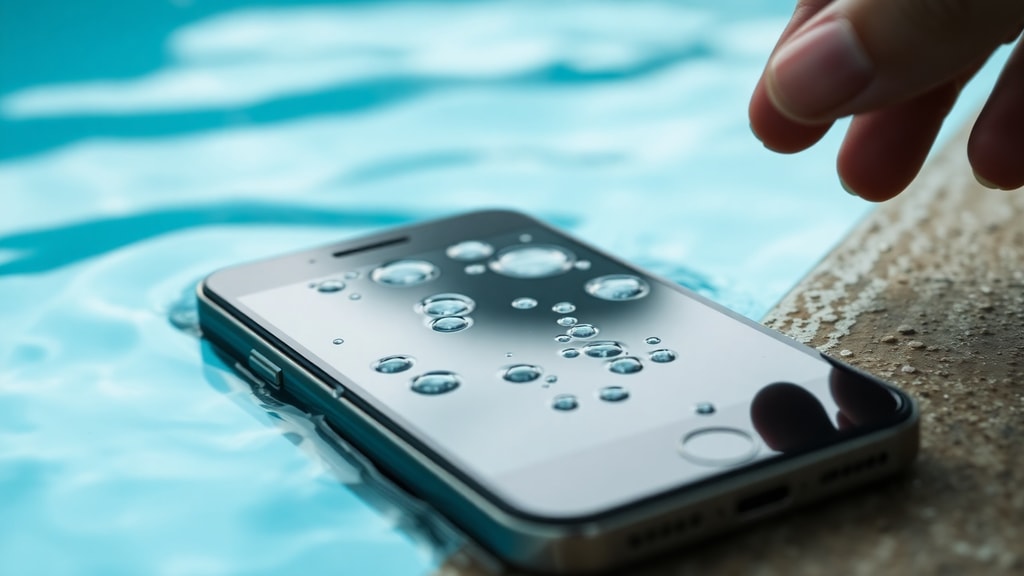
When your phone falls into a pool, the risk of permanent damage is much higher than if it were dropped in fresh water. Pool water contains chlorine, bromine, and various salts added to keep the water clean. These chemicals make the water significantly more conductive than pure water. When pool water enters your phone, it creates a path for electricity to flow where it should not. This can cause short circuits that instantly damage delicate microchips and connectors. Additionally, the chemicals in pool water accelerate corrosion. Even if you dry the phone quickly, the corrosive elements can continue eating away at metal contacts and solder joints for hours or days. This is why a phone that seems fine after a swim may stop working later. The corrosion process is ongoing, and it can eventually break critical connections. The combination of immediate short circuits and delayed corrosion makes pool water one of the worst liquids for electronics.
What Happens Inside Your Phone When It Gets Wet
Modern smartphones are packed with tiny components spaced very close together. When water seeps inside, it bridges the gaps between these components. This bridging effect is called a short circuit. Electricity then flows through the water instead of through the intended circuit paths. This can cause components to receive too much voltage, leading to immediate failure. The battery is especially vulnerable. Lithium-ion batteries have protection circuits that can be shorted by water, causing the battery to stop outputting power or even become unstable. The motherboard, which holds the processor, memory, and other key parts, is also at high risk. Even if the phone does not turn on, water may have damaged only one component, such as the power management chip or the charging port. Identifying which part is faulty usually requires professional diagnostic tools.
Why You Should Not Press the Power Button Repeatedly
After you retrieve your phone from the pool, your first instinct might be to check if it still works by pressing the power button. This is one of the worst things you can do. When you press the power button, you send a current through the phone's circuits. If water is still inside, that current can cause additional short circuits and spread damage to components that were not initially affected. Each press increases the risk of permanent failure. Instead, you should leave the phone off and begin drying it immediately. The most important rule is to avoid any attempt to power on the device for at least 24 to 48 hours. During this time, the water may evaporate, and the phone might recover if the damage is not too severe. But if you keep pressing the button, you can turn a potentially repairable phone into a complete loss.
Immediate Steps to Take After Your Phone Falls in Pool Water
Time is your enemy when dealing with water damage. The faster you act, the better your chances of saving the phone. Follow these steps in order:
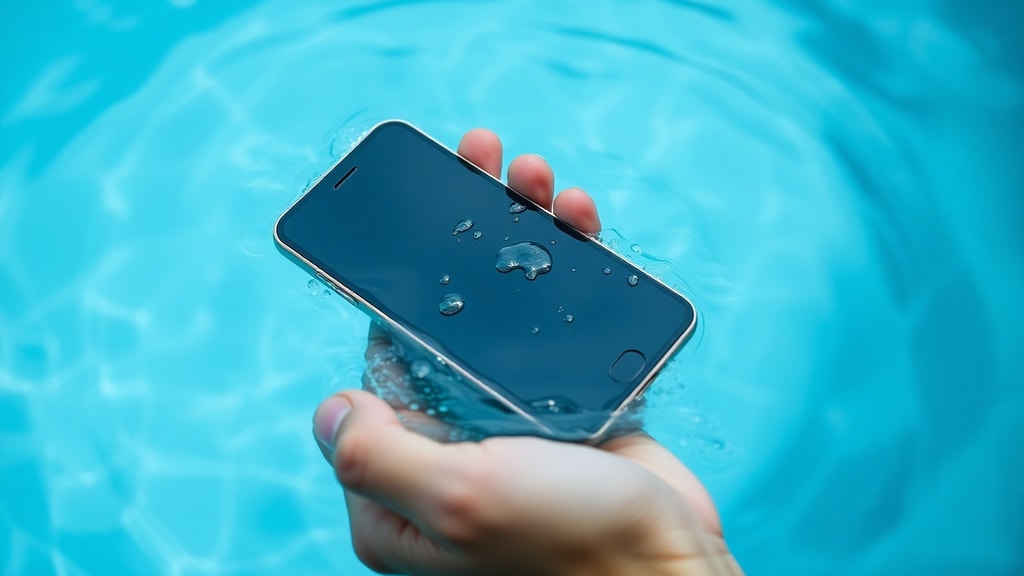
- Retrieve the phone from the water as quickly as possible.
- Turn it off immediately if it is still on. Do not swipe or press any other buttons.
- Remove the case, SIM card, and any memory card. These trap moisture against the phone.
- If your phone has a removable battery, take it out. Most modern phones have sealed batteries, so skip this step if you cannot easily access the battery.
- Gently shake the phone to remove as much water as possible from ports and openings. Do not shake violently, as this can push water deeper inside.
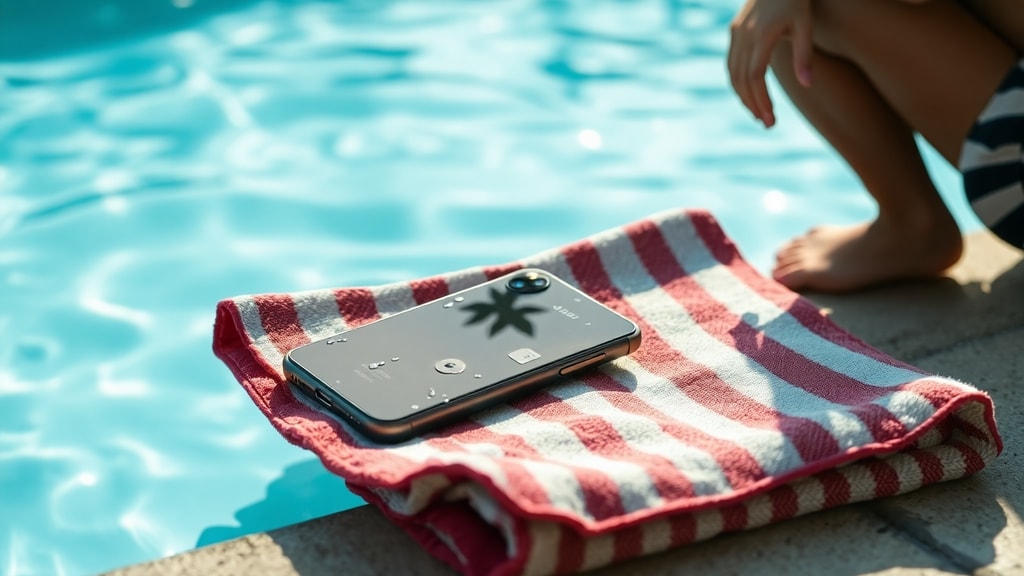
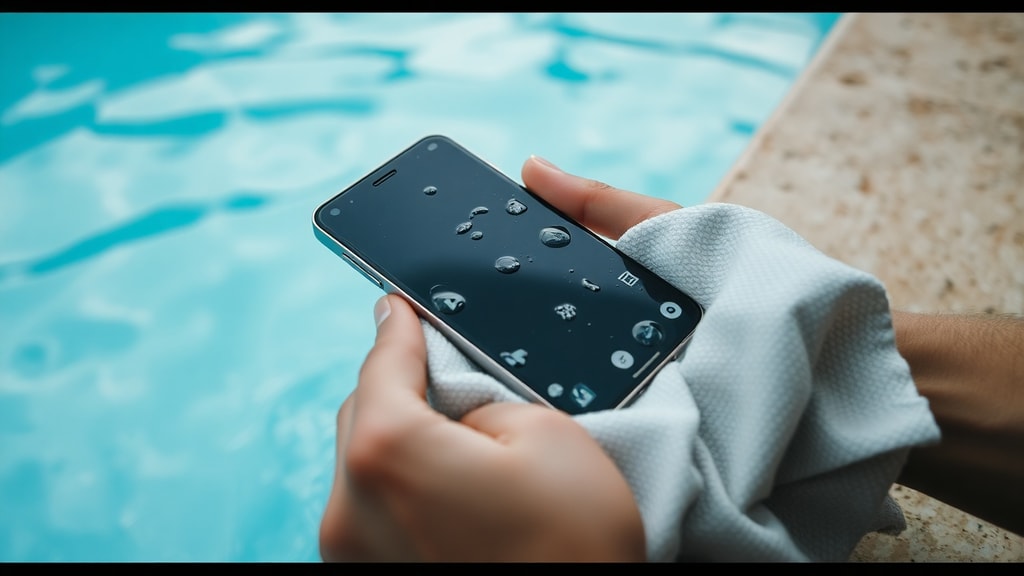
- Use a soft, lint-free cloth to dry the exterior.
- Place the phone in a dry, ventilated area with good airflow. A desk or table away from direct sunlight is ideal.
- Wait at least 24 to 48 hours before attempting to turn it on.
Do not use a hair dryer, oven, or microwave to dry the phone. High heat can damage the battery and melt internal components. Do not put the phone in a bag of rice. Rice does not absorb moisture effectively from inside a sealed device, and rice dust can get into ports and cause additional damage.
How Pool Chemicals Accelerate Corrosion
Corrosion is a chemical reaction between metal and moisture. Pool water contains chlorine compounds and salts that greatly speed up this reaction. When the water dries, it leaves behind residues of these chemicals. These residues continue to attract moisture from the air, keeping the internal environment damp. The result is ongoing corrosion that can eventually destroy circuit traces and connector pins. Even if your phone works after drying, corrosion may have weakened solder joints or created intermittent connections. This can cause strange behavior later, such as random shutdowns, touchscreen issues, or charging problems. The only way to stop corrosion is to remove the residues entirely, which requires professional cleaning with isopropyl alcohol and ultrasonic cleaning equipment.
What to Do If the Phone Still Does Not Turn On After Drying
If you have waited 48 hours and your phone still does not turn on, the damage is likely beyond simple drying. At this point, you have two options: attempt to repair it yourself if you have experience, or take it to a professional repair shop. Professional repair is strongly recommended because water damage can affect multiple layers of the motherboard. A technician can open the phone, inspect for visible corrosion, clean the board, and replace damaged components. Common issues after water damage include a dead battery, a faulty charging port, or a blown power management integrated circuit (PMIC). Replacing these parts may restore functionality. However, if the motherboard has deep corrosion or the processor has been shorted, repair may not be cost effective. In many cases, the price of repair can be close to the cost of a new phone, especially for older models.
Common Repair Options and Estimated Costs
The table below shows typical repair options and their approximate costs for a phone damaged by pool water. Prices vary by model and region, but this gives a general idea.
| Repair Type | What It Involves | Estimated Cost Range |
|---|---|---|
| Professional cleaning only | Ultrasonic cleaning and inspection | 50 to 150 dollars |
| Battery replacement | Remove old battery, install new one | 50 to 100 dollars |
| Charging port replacement | Replace damaged port assembly | 50 to 120 dollars |
| Motherboard repair | Replace PMIC or other damaged chips | 100 to 300 dollars |
| Full motherboard replacement | Swap entire motherboard | 200 to 500 dollars or more |
If the repair cost is too high, or if the phone is old, you may want to consider replacing it. Before deciding, ask the repair shop for a free diagnostic. Some shops will assess the damage without charging a fee.
Can You Prevent Water Damage in the Future?
No phone is completely waterproof, but many newer models have water resistance ratings. Look for an IP rating such as IP68. This means the phone can survive immersion in fresh water up to a certain depth for a limited time. However, IP ratings are tested in fresh water, not pool water. Chlorine and salt can break down seals over time. Even a phone with an IP68 rating can be damaged by pool water if the seals are worn or if the phone has been dropped before. To reduce risk, consider using a waterproof case when near pools. Also, avoid taking your phone into the pool area at all if possible. If you must bring it near water, keep it in a sealed plastic bag or a floating dry pouch.
When to Give Up and Get a New Phone
There comes a point when repair is no longer sensible. If a professional tells you that the motherboard is beyond repair, or if the cost of fixing the phone exceeds 70 percent of its current value, it is usually better to buy a new device. Also, if phone has been in pool water for more than a few minutes, the chances of full recovery drop significantly. Corrosion can spread to the display, camera, and other modules, leading to multiple failures. In these cases, replacing the phone saves you time and money. Before buying a new phone, make sure to back up any data that you can recover. If the phone still turns on intermittently, transfer your photos, contacts, and files to a computer or cloud service as quickly as possible.
The Importance of Professional Diagnosis
Many people try to fix water-damaged phones at home by using rice, silica gel, or even placing the phone in a vacuum chamber. These methods rarely work for pool water damage because they do not remove the corrosive residues left behind by chemicals. Professional repair shops have tools like ultrasonic cleaners, which use high-frequency sound waves to dislodge contaminants from tight spaces. They also have microscopes to inspect components and multimeters to test electrical paths. Attempting to repair a phone yourself with basic tools can cause more harm than good. If you value your phone and the data on it, take it to a qualified technician. For more guidance on initial steps after water exposure, you can read this article from G1 about what to do if your phone falls in water.
Final Thoughts on Pool Water and Smartphones
Pool water damage is serious because of the combined effects of conductivity, chemical corrosion, and the high speed at which water can spread inside a modern phone. The best hope for saving your device is to act quickly, keep it off, and seek professional help. Do not rely on home remedies. Understand that even after drying, corrosion may continue to cause problems weeks or months later. If your phone does not turn on after two days of drying, it is time to visit a repair shop. For more detailed information about repair options and costs, you can check Techtudo article on what to do when your phone falls in water. Remember that prevention is always better than repair, so keep your phone away from pools and use waterproof accessories when necessary.
References
G1. Nada de arroz: saiba o que fazer se o celular cair na água. Available at: https://g1.globo.com/guia/guia-de-compras/tecnologia/celulares/celular-caiu-na-agua-saiba-o-que-fazer.ghtml. Accessed 2024.
Techtudo. O que fazer quando o celular caiu na água? Available at: https://www.techtudo.com.br/dicas-e-tutoriais/2024/05/o-que-fazer-quando-o-celular-caiu-na-agua-tem-conserto-entenda-edmobile.ghtml. Accessed 2024.
IMEI.info. Deixei cair meu telefone na água – o que posso fazer? Available at: https://www.imei.info/pt/news/i-dropped-my-phone-water-what-can-i-do/. Accessed 2024.