What Is a CRDownload File?
A CRDownload file is a temporary placeholder created by Google Chrome, Microsoft Edge, and other Chromium-based browsers such as Brave and Opera. It stores data for a file that is currently being downloaded from the internet. The file extension .crdownload indicates that the download process is still active and the file has not yet been fully transferred to your computer. Once the download finishes successfully, the browser automatically renames the file to its intended format, such as .mp4, .pdf, or .zip, and removes the .crdownload extension. This mechanism is part of the browser’s way of ensuring that incomplete downloads do not clutter your system with files that might be mistaken for complete ones.
How CRDownload Files Are Created
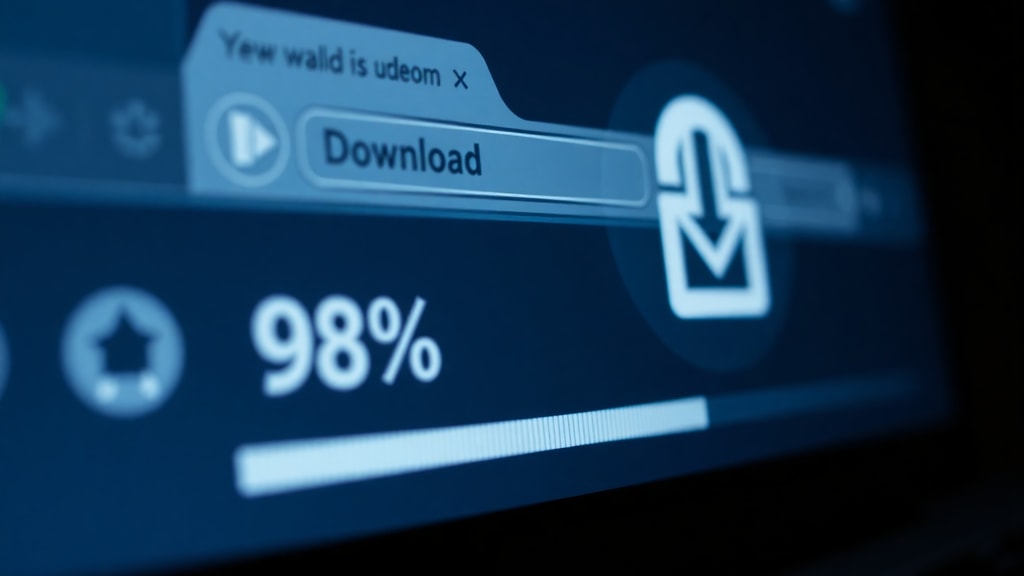
When you initiate a download in a Chromium-based browser, the browser does not immediately write the final file to your hard drive. Instead, it begins downloading data in chunks. As each chunk arrives from the server, the browser stores it in a temporary file with the .crdownload extension. This temporary file resides in the download folder you have set in your browser settings. The browser uses this file as a workspace where it can safely accumulate partial data without risking corruption of the final file. If the download is interrupted for any reason, the .crdownload file remains on your disk, preserving whatever data was already transferred. This allows the browser to resume the download later if you choose to restart it.
Why CRDownload Files Exist
The purpose of a CRDownload file is to act as a holding space for partial data. Without such a placeholder, the browser would have to write the incomplete file directly to the final filename, which could lead to confusion if you attempted to open a partially downloaded file. For example, watching a partially downloaded video might cause playback errors, and opening a partially downloaded document could result in corruption. By using a .crdownload file, the browser clearly marks the file as incomplete. This prevents accidental use of unfinished data and provides a clean way to resume downloads if the connection drops. The system is an integral part of the browser’s download manager, which is designed to handle large files, slow connections, and interruptions gracefully.
What Happens When a Download Completes or Fails
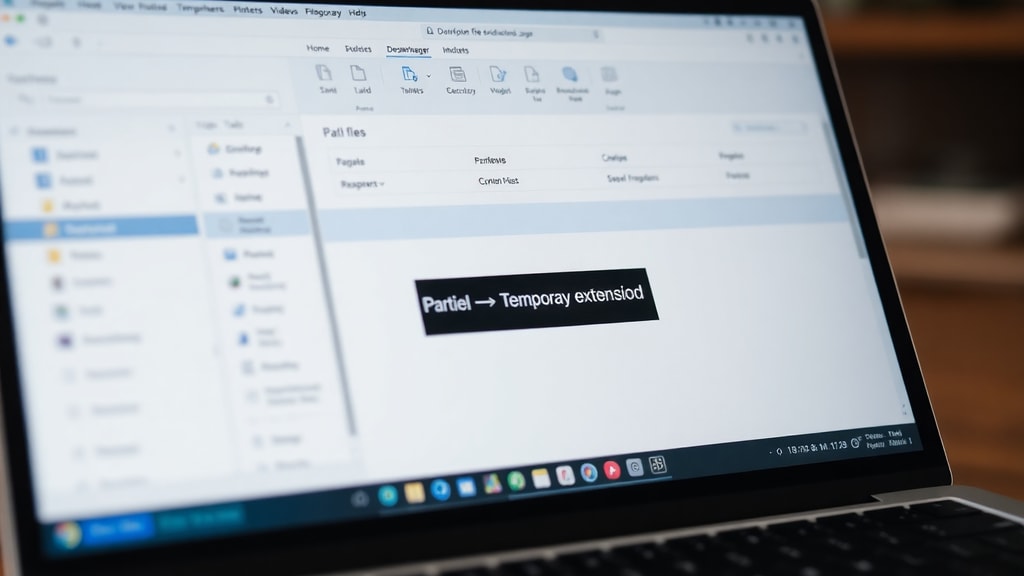
When a download completes successfully, the browser automatically renames the .crdownload file to the original filename and removes the temporary extension. For instance, if you were downloading a file named report.pdf, the browser would save the data as report.pdf.crdownload during the download. Once the last byte of data is received, the browser renames it to report.pdf. This process is so seamless that most users never notice the .crdownload file exists. If the download fails or is cancelled, the .crdownload file remains in the download folder. You can then delete it manually, or in some cases, the browser may offer to resume the download later. If you attempt to open a .crdownload file directly, no program can open it because it is not a complete file. It is a partial, temporary artifact of the download process.
Can You Open a CRDownload File?
No program can open a .crdownload file because it is not a complete file. It is a partial, temporary artifact of Chrome’s download process. The file contains only the data that has been downloaded so far, and it is not formatted or structured in a way that any application can interpret. Trying to open a .crdownload file with a video player, document viewer, or archive utility will simply result in an error message. The only way to access the content of a .crdownload file is to allow the download to complete. Once the download is finished, the browser will rename the file, and you can open it normally. If you have a .crdownload file that appears to be stuck, you can try resuming the download from the browser’s download manager, or you can delete it and start the download again.
Common Misconceptions About CRDownload Files
There are several misconceptions about .crdownload files. Some users believe they are viruses or malware, but the .crdownload extension itself is not malicious. It is simply a marker for an incomplete download. However, malicious files can be disguised as any type, including partial downloads. You should always scan downloaded files with antivirus software before opening them. Another misconception is that you can convert a .crdownload file to another format. Since the file is incomplete, conversion is not possible. The data is not a finished file, so converting it would produce a corrupted result. Below is a list of common misunderstandings:
- CRDownload files are malware: False. They are harmless temporary files created by the browser.
- You can open a CRDownload file with a specific program: False. No program can open it because it is not a complete file.
- Deleting a CRDownload file will harm your computer: False. It is safe to delete incomplete download remnants.
- CRDownload files are only created by Chrome: False. All Chromium-based browsers (Edge, Brave, Opera) use the same extension.
- You can convert a CRDownload file to its intended format: False. Conversion requires the file to be fully downloaded.
How to Handle Orphaned CRDownload Files
Sometimes you may find .crdownload files in your download folder that are no longer associated with an active download. These orphaned files are left behind when a download is interrupted or cancelled and the browser does not automatically clean them up. You can safely delete them. If you want to attempt to recover the data, you can try to resume the download if the original source is still available. However, if the download is no longer available, the partial data is essentially useless. The following table summarizes the actions you can take depending on the status of the download:
| Download Status | What to Do with the CRDownload File |
|---|---|
| Download is still active | Wait for it to complete; the file will be renamed automatically. |
| Download was interrupted but can be resumed | Click Resume in the browser’s download manager; the file will be renamed upon completion. |
| Download was cancelled or source is gone | Delete the .crdownload file; it cannot be opened or converted. |
| Orphaned file with no download history | Delete the file. It is safe to remove. |
If you are unsure whether a download is still active, check your browser’s download manager (usually accessible with Ctrl+J or Cmd+J). If no download is listed, the .crdownload file is safe to delete.

Summary
CRDownload files are a normal part of the downloading process in Chromium-based browsers. They serve as temporary placeholders that store partial data until the download is complete. You cannot open them directly, and they are not viruses. If you encounter a .crdownload file, the best course of action is to let the download finish or delete the file if the download is no longer needed. Understanding this file type helps you avoid confusion and keep your download folder organized.
References
Goldfynch. "What Are CRDOWNLOAD Files?" Goldfynch Blog, 12 Oct. 2023, https://goldfynch.com/blog/2023/10/12/what-are-crdownload-files-and-how-do-i-use-them.html. Accessed 12 Mar. 2025.

PCMag. "Definition of crdownload." PCMag Encyclopedia, https://www.pcmag.com/encyclopedia/term/crdownload. Accessed 12 Mar. 2025.
File Extension Wiki. "CRDOWNLOAD." Fandom, https://fileextension.fandom.com/wiki/CRDOWNLOAD. Accessed 12 Mar. 2025.
Aspose. "Download Dateiformat | CRDOWNLOAD." Aspose Documentation, https://docs.aspose.net/file-formats/de/crdownload/. Accessed 12 Mar. 2025.
Goldfynch Support. "What is a CRDOWNLOAD file and how do I handle them?" Goldfynch Support, https://support.goldfynch.com/support/solutions/articles/21000001709-what-is-a-crdownload-file-and-how-do-i-deal-with-them. Accessed 12 Mar. 2025.
Microsoft Learn. "Is it possible to get infection with a crdownload file?" Microsoft Learn Q&A, https://learn.microsoft.com/en-us/answers/questions/35228/is-it-possible-to-get-infection-with-a-crdownload. Accessed 12 Mar. 2025.