Understanding the Basics of USB Analysis
USB analysis is a critical process in digital forensics, cybersecurity, and system troubleshooting. It involves examining USB devices and ports to determine their functionality, security status, and potential evidence. The need to analyze USB devices has grown as these portable storage units become common vectors for malware, data theft, and unauthorized access. Effective analysis requires a combination of hardware tools, software applications, and strict procedural safeguards. Whether you are investigating a suspected malicious drive or simply verifying the performance of a USB port, a structured approach ensures accurate results without compromising the integrity of the data or the host system.
The core of USB analysis lies in understanding how devices communicate with a host. USB follows a defined protocol that specifies data transfer speeds, power delivery, and device enumeration. Analysts must be familiar with different USB standards, such as USB 2.0 and USB 3.0, as each has distinct characteristics that affect analysis. USB 3.0, for instance, supports data rates up to 5 Gbps, while USB 2.0 maxes out at 480 Mbps. Knowing these differences helps in selecting appropriate analysis tools and interpreting captured data correctly.
Forensic Analysis of USB Devices
In digital forensics, analyzing a USB device involves creating a bit-by-bit forensic image of the storage medium. This process preserves the original evidence exactly, including unallocated space and deleted file fragments. A bit-for-bit copy ensures that no data is altered or missed during the investigation. After the image is created, analysts compute hash values using algorithms such as MD5 or SHA-256 to verify the integrity of the copied data. Any change in the hash between the original device and the forensic image indicates tampering or error.
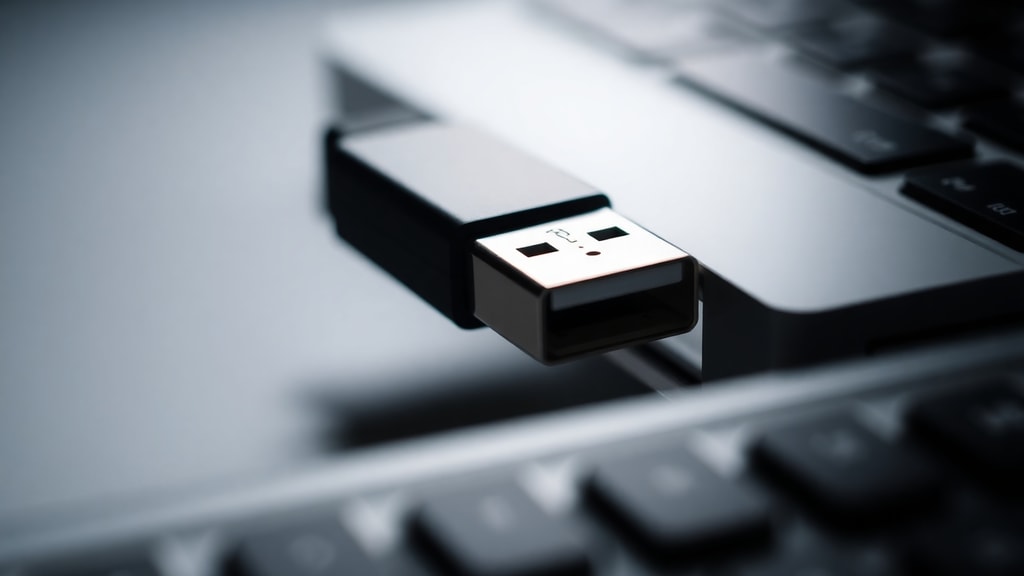
This forensic methodology is standard in legal and corporate investigations. The tool commonly used for imaging is FTK Imager, which can create images without modifying the source. Once the image is stored on a secure system, further analysis can be performed using open-source platforms like Autopsy. These tools allow examiners to recover deleted files, examine file metadata, and search for keywords or patterns. The entire process is designed to produce admissible evidence that can withstand scrutiny in court. For a more detailed explanation of USB forensics procedures, refer to resources such as the USB Forensics glossary available from DigitalPerito.
Safe Analysis of Potentially Malicious USB Devices
When dealing with a USB device that may contain malware or harmful code, safety is the highest priority. Connecting an unknown drive directly to a production computer can lead to infection or data loss. Security experts recommend using an isolated system, such as an old laptop or a dedicated forensic workstation, that is not connected to any network. This machine should have a clean operating system and be capable of running forensic software without risking the spread of malicious content.
One practical method described by cybersecurity professionals involves the following steps:
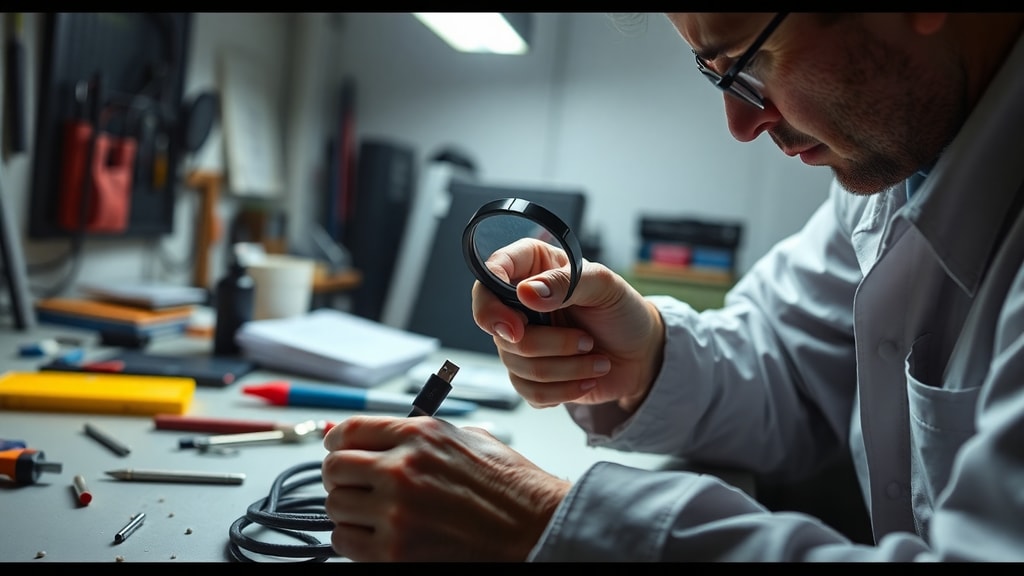
- Step 1: Plug the suspect USB device into a write-blocker attached to the isolated computer.
- Step 2: Use FTK Imager to create a bit-by-bit forensic image, saving the image file to an external drive or network location that remains offline.
- Step 3: Disconnect the original USB device and store it securely.
- Step 4: Load the forensic image into Autopsy or a similar analysis tool to examine the content.
- Step 5: Review file structures, registry artifacts, and any suspicious executables or scripts.
- Step 6: Document findings without ever allowing the device to execute code on the analysis system.
This approach ensures that even if the USB drive contains active malware, the analysis environment remains contained. For a real-world discussion of safe USB analysis techniques, see the community advice shared in the cybersecurity subreddit, where experts outline similar precautions.
Using Write Blockers for Data Integrity
A crucial component of safe and forensic USB analysis is the use of write blockers. A write blocker is a device or software tool that prevents any write operations from reaching the connected storage medium. When a USB drive is attached through a hardware write blocker, the computer can read data but cannot modify the drive in any way. This preserves the original state of the evidence and eliminates the risk of accidental contamination.
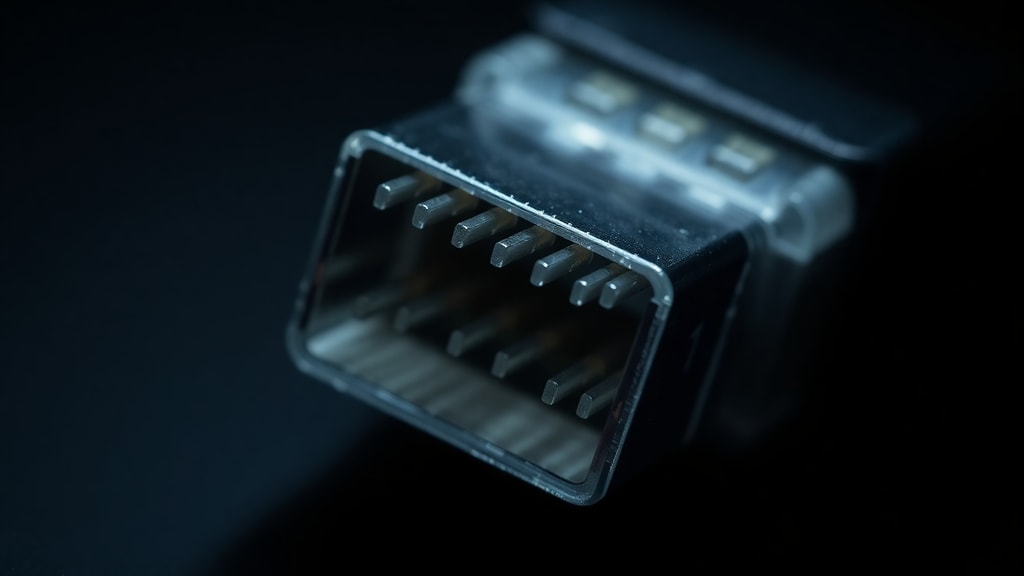
Hardware write blockers are preferred in forensic environments because they operate at the physical level and cannot be bypassed by software errors. They are often used in combination with forensic imaging tools to guarantee that the image remains a true copy. Software write blockers exist as well, but they are less reliable because they depend on the operating system to enforce the write protection. Analysts who work with USB devices regularly should invest in a reputable hardware write blocker that supports multiple USB versions, including USB 3.0 and USB 2.0. Proper use of write blockers is a standard part of USB forensics as documented in many professional resources.
Protocol Analysis with USB Analyzers
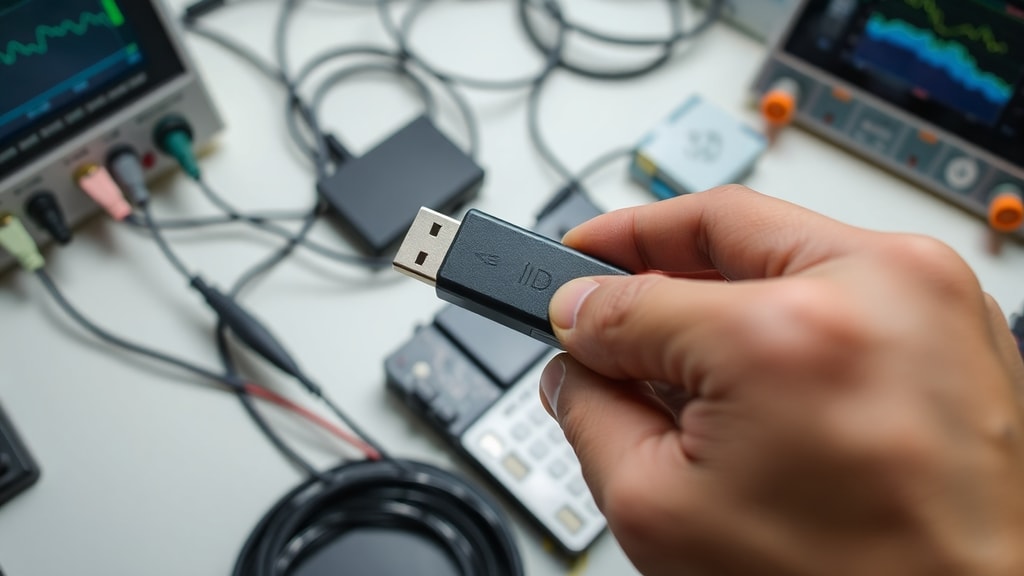
Beyond storage analysis, sometimes the goal is to examine the communication between a USB device and its host. This is where protocol analysis comes into play. USB analyzers are specialized hardware or software tools that intercept and log the data packets traveling over the USB bus. They capture raw traffic, allowing analysts to inspect the sequence of requests and responses, timing, and protocol compliance.
Using a USB analyzer is essential for debugging driver issues, reverse-engineering devices, or verifying that a peripheral conforms to USB specifications. These tools can detect errors in the handshake process, identify unsupported commands, and reveal hidden data being exchanged. Manufacturers offer various analyzers with different capabilities, from simple packet sniffers to advanced devices that simulate a host or peripheral. When selecting an analyzer, factors such as supported USB speed, buffer size, and software integration should be considered. Protocol analysis provides a deep level of insight that complements traditional forensic imaging.

Analyzing USB Devices on Windows Systems
Windows operating systems have built-in tools that can assist with basic USB analysis. Device Manager shows all connected USB controllers and devices, while Event Viewer logs connection events and errors. For more detailed analysis, Microsoft provides tools such as USBView, which displays the USB device tree and descriptor information. These utilities help identify device vendor IDs, product IDs, and the specific USB version being used. Windows also maintains a registry hive containing USB history, including entries for every device that has been plugged into the system. This forensic artifact can reveal past connections even after the device is removed.
According to Microsoft documentation, the USB implementers forum defines the standards for versioning, and Windows supports all major versions, including USB 2.0 and USB 3.0. System administrators and forensic analysts often rely on these built-in capabilities as a first step before deploying more advanced tools. However, for a complete forensic acquisition, dedicated imaging software is still necessary because Windows itself can alter device metadata upon connection. Analysts must be aware of these limitations and use write blockers combined with forensically sound methods.
Common Challenges in USB Analysis
USB analysis comes with several technical and procedural challenges. One common issue is dealing with encrypted USB drives. Many modern devices use hardware encryption, meaning that without the decryption key, the data cannot be read. Analysts must either obtain the key legally or use brute-force methods that may not be feasible. Another challenge is physical damage to the USB connector or storage chip. Broken ports or cracked memory chips require specialized data recovery techniques that go beyond standard forensic imaging.
Additionally, USB devices can contain hidden partitions or use custom firmware to conceal data. These anomalies may not be detected by standard analysis software. The analyst must be prepared to use low-level tools that can read raw sectors and examine the partition table manually. Timing is also a factor; some USB devices have a limited lifespan or can be remotely wiped when an unauthorized connection is detected. Understanding these challenges helps in planning a robust analysis strategy.
Best Practices for Effective USB Analysis
To ensure reliable results, follow these best practices consistently. A summary of key recommendations is provided in the table below.
| Practice | Description | Tools / Methods | |----------|-----------|-----------------| | Use write blocking | Prevent any writes to the suspect device | Hardware write blocker, software write protection | | Create forensic image | Bit-by-bit copy for analysis | FTK Imager, dd command | | Verify integrity | Compare hash values before and after | MD5, SHA-256 | | Isolate analysis system | Use offline computer with no network | Old laptop, dedicated workstation | | Document everything | Record all steps, tools, and findings | Lab notebook, digital logs | | Analyze in layers | Start with file system, then raw data | Autopsy, WinHex |
Following these practices minimizes the risk of evidence contamination and ensures that conclusions are defensible. Consistency in methodology also supports peer review and legal acceptance. As USB technology evolves, analysts must stay updated on new standards, encryption methods, and forensic tools.
References
DigitalPerito. "USB Forensics." https://digitalperito.es/glosario/usb-forensics/
Reddit r/cybersecurity. "How can I safely analyze a USB device?" https://www.reddit.com/r/cybersecurity/comments/195ij9p/how_can_i_safely_analyze_a_usb_device/
Metoree. "4 Fabricantes de Analizadores USB." https://es.metoree.com/categories/2235/
Microsoft Learn. "USB in Windows – FAQ." https://learn.microsoft.com/en-us/windows-hardware/drivers/usbcon/usb-faq--introductory-level