Introduction to Document Archiving Software for Hard Drive Storage
Managing digital documents efficiently requires a strategy for archiving that balances accessibility, security, and space optimization. While cloud storage has become popular, many individuals and organizations still prefer to archive documents directly on a hard drive for reasons of privacy, control, or simply to meet offline workflows. The right software can transform a chaotic collection of files into a structured, searchable archive. This article explores different categories of programs designed to help you archive documents on your hard drive: full document management systems, disk space analyzers, compression tools, duplicate finders, and file explorers. Each category serves a distinct purpose, from organizing and retrieving files to reclaiming storage space and ensuring long-term preservation.
Document Management Systems for Hard Drive Archiving
Full-featured document management systems (DMS) are ideal for businesses or advanced users who need to archive, organize, and retrieve documents with robust indexing and security. These platforms often run on local servers or can be installed directly on a hard drive, giving you complete control over your data. One prominent example is DocuWare, which specializes in capturing, storing, and managing documents locally. Its powerful search and workflow automation make it a reliable choice for archiving everything from invoices to contracts on premises. You can learn more about its capabilities on the DocuWare website.
Another strong contender is Alfresco, an open source platform that offers a free community edition suitable for small to medium enterprises. Alfresco allows you to archive documents on local servers or in hybrid cloud setups. Its versioning, metadata management, and permissions ensure that archived files remain organized and accessible to authorized users. Microsoft SharePoint is a widely used corporate solution that integrates with Office 365; while it is web-based, it can be deployed on-premises to store documents directly on company drives. Google Drive, though primarily cloud-based, provides an offline mode that lets you archive and edit documents without an internet connection, syncing changes when you go online. These platforms demonstrate that archiving on a hard drive does not mean sacrificing advanced features.
Key Features to Look for in Archiving Software
When choosing a program to archive documents on your hard drive, consider the following essential features:
- Indexing and full-text search capabilities to quickly find archived documents.
- Metadata and tag support for custom categorization.
- Version control to track changes over time.
- Compression to save disk space without losing quality.
- Duplicate detection to avoid redundant storage.
- Batch processing for importing or exporting documents in bulk.
- Security options such as encryption and user permissions.
These features ensure that your archive remains not only compact but also usable over the long term. Without robust search, an archive can become a digital attic where files are lost forever.
Disk Space Analyzers and Optimization Tools
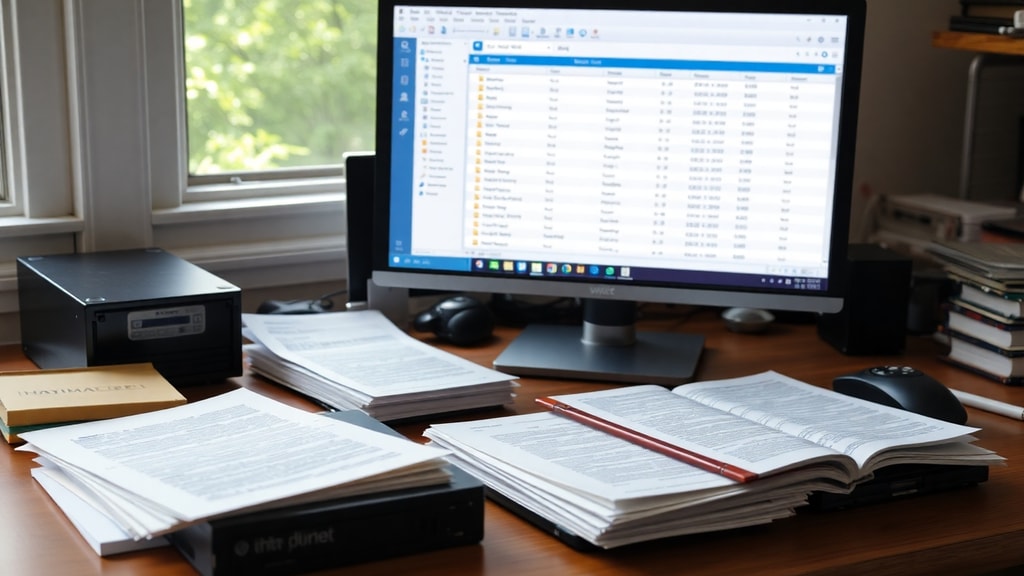
Before archiving, it often helps to understand what is currently occupying your hard drive. Disk space analyzers can scan your drive and present a visual breakdown of file sizes and folder structures. Two popular free tools are WIZTREE and TreeSize. WIZTREE is a lightning-fast scanner that shows you the largest files and folders, making it easy to identify candidates for archiving or deletion. TreeSize offers a similar interface with additional features like exporting reports and filtering by file type. Both are invaluable for cleaning up clutter and selecting which documents to archive.
File Voyager takes a different approach by providing a dual-pane file explorer with advanced copy, move, and synchronization functions. It is particularly useful when you need to move or archive large batches of documents between drives or folders. Its integrated search and comparison tools help you maintain consistency. By using such analyzers and explorers, you can streamline the archiving process and avoid wasting space on duplicate or obsolete files.

Comparison of Selected Archiving Software
| Software | Category | Key Feature | Pricing |
|---|---|---|---|
| DocuWare | Document Management System | Workflow automation and secure local storage | Paid (subscription or license) |
| Alfresco | Document Management System (Open Source) | Free community edition with full metadata management | Free (Community) / Paid (Enterprise) |
| Microsoft SharePoint | Corporate Document Management | Integration with Office 365 and on-premises deployment | Paid (subscription) |
| Google Drive | Cloud Storage with Offline | Offline access and real-time collaboration | Free tier available / Paid for more storage |
| WIZTREE | Disk Space Analyzer | Ultra-fast scanning and visual size display | Free |
| TreeSize | Disk Space Analyzer | Detailed folder size statistics and export | Free (Personal) / Paid (Professional) |
| WinRAR / 7-Zip | Compression Tool | Create ZIP or RAR archives to reduce file size | WinRAR: Paid trial / 7-Zip: Free |
| DupeGuru | Duplicate Finder | Find exact and similar files | Free |
| AllDup | Duplicate Finder | Advanced search with preview | Free |
| File Voyager | File Explorer / Manager | Dual-pane interface for efficient file operations | Free (Pro version available) |
This table provides a quick reference to the tools discussed in this article. The best choice depends on your specific needs: full document management, disk cleanup, compression, or duplicate removal.
Compression and Duplicate Removal for Efficient Archiving
Two critical tasks in archiving are reducing file size and eliminating redundancy. Compression tools like WinRAR and 7-Zip are essential for packing documents into archive formats such as .zip or .rar. By compressing older or less frequently accessed files, you can reclaim significant disk space while preserving the original content. Both tools support encryption and splitting archives into smaller volumes, which is useful for backing up large document collections onto external drives.
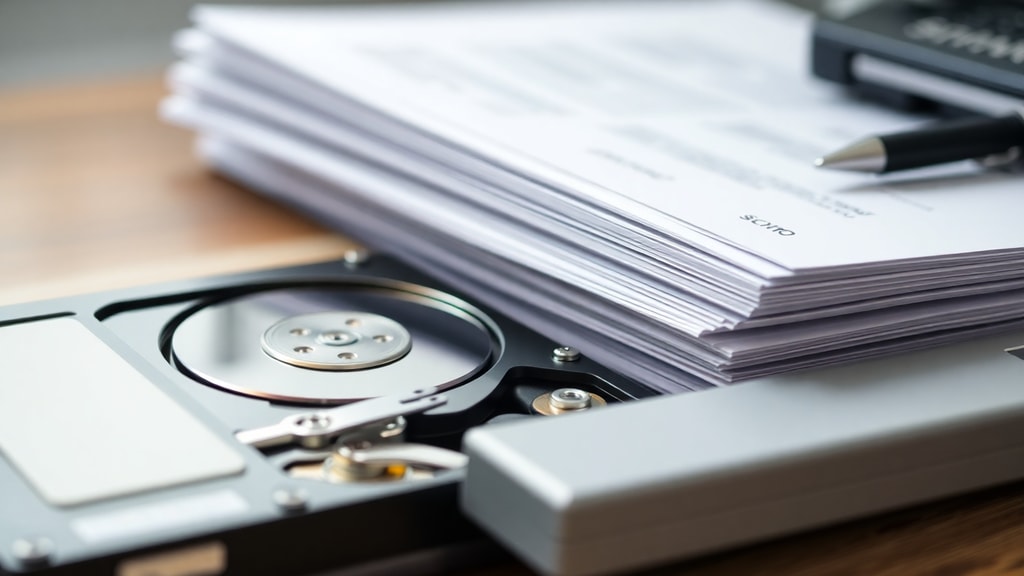
Duplicate files often accumulate unnoticed, wasting precious storage. Programs like DupeGuru and AllDup scan your hard drive for identical or similar files, including documents, images, and other types. DupeGuru uses fuzzy matching to find even slightly different versions, while AllDup offers a comprehensive preview and selection interface. Removing duplicates before archiving ensures that your archive contains only unique, valuable documents. The Alfresco platform also includes version control, which can help manage duplicates naturally, but dedicated tools offer more thorough cleanup.
Best Practices for Archiving Documents on Hard Drive
To get the most out of your archiving software, follow a few simple guidelines. First, establish a consistent folder and naming convention before you start archiving. Use dates, project names, or document types so that files are discoverable later. Second, compress large or rarely accessed documents but keep a copy of the original until you are sure the archive is intact. Third, run a duplicate finder periodically to prevent your archive from bloating with copies. Fourth, back up your archive onto a separate hard drive or external media; a single drive failure can destroy years of work. Finally, consider using a document management system for critical business records, as they offer metadata, versioning, and search that simple file folders cannot match.
Conclusion
Archiving documents on a hard drive remains a practical choice for many users who value offline access, privacy, and low recurring costs. The software landscape offers diverse solutions: full-fledged document management systems like DocuWare and Alfresco for organizations, disk analyzers like WIZTREE and TreeSize for space optimization, compression tools like 7-Zip for reducing file sizes, and duplicate finders like DupeGuru to eliminate redundancy. By selecting the right combination of tools and following best practices, you can build a well-organized, efficient archive that saves space and keeps your documents safe for years to come.
References
DocuWare. Document Management Software. Retrieved from https://www.docuware.com/
Alfresco. Open Source Content Services Platform. Retrieved from https://www.alfresco.com/
Google Drive. Cloud Storage with Offline Access. Retrieved from https://drive.google.com/
Microsoft SharePoint. Enterprise Document Management. Retrieved from https://www.microsoft.com/sharepoint/
WIZTREE. Free Disk Space Analyzer. Retrieved from https://wiztree.io/
TreeSize. Disk Space Analyzer by JAM Software. Retrieved from https://www.jam-software.com/treesize/
WinRAR. Archive Compression Tool. Retrieved from https://www.win-rar.com/
7-Zip. Free File Archiver. Retrieved from https://www.7-zip.org/
DupeGuru. Duplicate File Finder. Retrieved from https://dupeguru.voltaicideas.net/
File Voyager. Dual-Pane File Manager. Retrieved from https://www.filevoyager.com/
AllDup. Free Duplicate File Finder. Retrieved from https://www.alldup.com/