What Does It Mean to Change a Song’s Style?
Music style transfer is a technology that allows you to take an existing song and transform it into a different genre while preserving its core melody and structure. For example, you can turn a rock ballad into a lo-fi track or a pop song into a jazz piece. This process is made possible by artificial intelligence that analyzes the original audio and reinterprets it according to the characteristics of a target style. The result is a new version of the song that sounds natural in the chosen genre, with adjusted instrumentation, tempo, and vocal delivery. Free AI apps have made this technology accessible to anyone, even without musical training or expensive software.
In recent years, several platforms have emerged that offer free tiers for style conversion. These tools use deep learning models trained on thousands of songs across genres. They learn to identify elements like rhythm, harmony, and timbre, then apply the patterns of a different style to the input. While the most advanced features often require payment, the free versions are powerful enough for experimentation, hobbyist use, and quick demos. This article explores the best free AI apps for changing a song’s style, how they work, and what you can expect from them.
How AI Music Style Transfer Works
AI music style transfer relies on generative models, usually based on transformer architectures or diffusion models. The process begins when you upload an audio file or provide a link to a track. The AI separates the song into its components, such as vocals, drums, bass, and other instruments. This is known as source separation. Next, the model analyzes the harmonic and rhythmic structure of each component. It then generates new audio that matches the target genre while keeping the original melody and lyrics intact.

Some tools also allow you to guide the transformation with text prompts, such as make it sound like a 70s disco track or add a reggae rhythm. Others let you choose from a fixed list of styles. The quality of the output depends on the model’s training data and the complexity of the original song. Simple arrangements tend to convert more cleanly, while dense mixes with many overlapping sounds may produce artifacts. Free apps generally offer lower resolution or limit the length of the output, but they still provide impressive results for casual use.
It is important to note that style transfer is different from remixing or cover creation. A remix typically involves rearranging sections and adding new elements, while a cover involves re-recording the song. Style transfer, by contrast, aims to reimagine the existing recording in a new genre. The original performance remains recognizable, but the sonic palette changes completely. This makes it a unique tool for musicians, content creators, and anyone curious about how their favorite songs might sound in another style.
Top Free AI Apps for Changing a Song’s Style
Below is a list of free AI applications that offer style transfer features. Each has its own strengths and limitations. The list includes tools that provide a genuinely free experience, not just a trial that expires after a few hours.
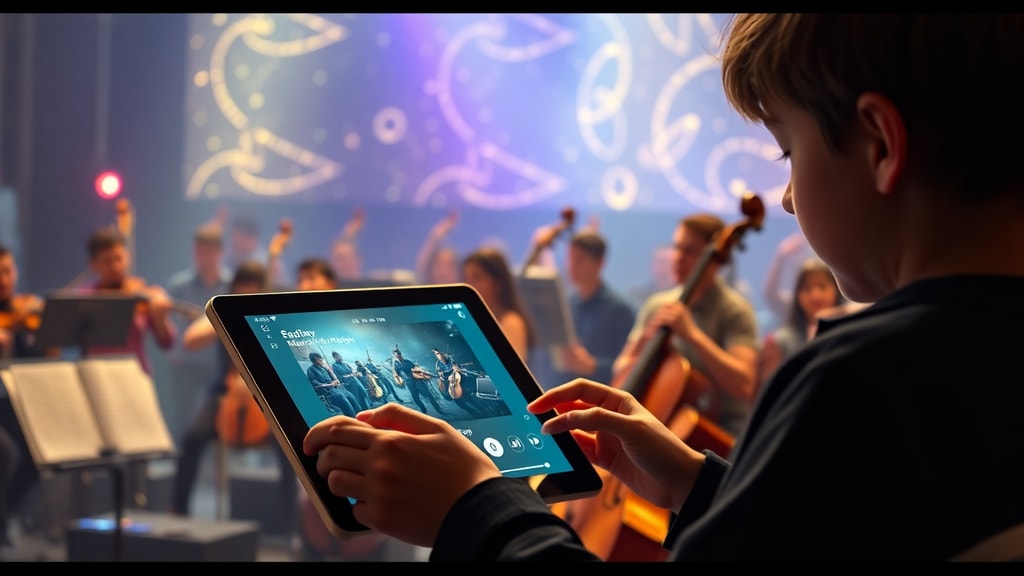
- TopMediai AI: This online tool lets users change a song’s genre using text prompts, images, or audio files. It supports styles like Pop, Lo-Fi, Jazz, and more. The free tier allows a limited number of conversions per day, but the quality is solid for short clips.
- Musicful AI: Designed specifically as a genre changer, Musicful AI transforms songs with vocals and instrumentals. Its free workflow generates a full track in the new style, though the output length is capped at around 30 seconds without a subscription.
- FreeMusic.ai: This platform offers an AI remixer that alters the genre, mood, and style of any music. The free plan is sufficient for testing basic generation and produces decent results for simple tracks.
- OpenMusic.ai: Another AI remixer that allows instant transformation of music styles. It can add vocals, remove instruments, or create remixes in new genres. The free version supports a handful of conversions per week.
- Sunu AI: Although its free tier is mostly for new track generation, the paid version includes a style transfer feature that can turn rock into lo-fi and similar conversions. The free tier is limited but still worth trying for quick experiments.
These apps are accessible through web browsers, meaning you do not need to install any software. Most of them accept common audio formats like MP3, WAV, or FLAC. Some also allow real-time recording through a microphone. While the free tiers impose limits, they are generous enough to let you explore the possibilities of AI style transfer without spending money.
Comparison of Free AI Music Style Changers
The following table provides a quick comparison of the main free AI apps for style transfer. It highlights key features, limits, and supported styles.
| App | Free Limit | Supported Styles | Input Format | Output Quality |
|---|---|---|---|---|
| TopMediai AI | Few conversions per day | Pop, Lo-Fi, Jazz, Rock, Classical | Audio file, text prompt | Good for short clips |
| Musicful AI | 30-second output max | Pop, Rock, EDM, Hip-Hop, Reggae | Audio file | High for short tracks |
| FreeMusic.ai | Basic generation free | Mood and genre presets | Audio file | Decent for simple songs |
| OpenMusic.ai | Few conversions per week | Pop, Rock, Jazz, Lo-Fi | Audio file | Good with clear mixes |
| Sunu AI | New track generation free | Lo-Fi, Rock (paid tier) | Text prompt | Limited in free tier |
This table shows that no single app is perfect for every situation. If you need high quality and can work with short outputs, Musicful AI is a strong choice. If you prefer variety in styles and text prompt control, TopMediai AI might suit you better. FreeMusic.ai and OpenMusic.ai are good for quick tests when you do not need a polished result.

Limitations of Free AI Music Style Transfer
Although these apps are impressive, free tiers come with notable limitations. The most common restriction is output length. Many tools cap the converted audio at 30 seconds or one minute. This is fine for previews and social media clips, but not for full songs. Another limitation is audio quality. Free versions often output at lower bitrates, which can result in compression artifacts or loss of detail. The converted track may sound muffled or have digital noise, especially in complex passages.
Another issue is the range of available styles. Free accounts usually have access to a smaller set of genres compared to paid plans. You might not find niche styles like synthwave, bossa nova, or traditional folk. Also, the conversion process can be slow during peak usage times because free users are queued behind paying customers. Some apps also add watermarks or voiceovers to the output, which reduces its usability for any public project.
It is also important to understand that AI style transfer is not perfect. The model may misinterpret certain instruments or vocal inflections, leading to unnatural results. For example, a screamed vocal in a metal song might come out as a whispery tone when converted to pop. Percussion patterns can shift unpredictably. The technology is evolving rapidly, but it is not yet at the level of a human producer. Users should approach free tools with realistic expectations and treat the outputs as creative starting points rather than finished products.
Tips for Getting the Best Results
To make the most of free AI style changer apps, there are a few strategies you can follow. First, start with a clean audio file. Avoid tracks that have heavy compression, background noise, or extreme distortion. The AI will have an easier time separating and converting the components if the source is well recorded. Second, choose songs with a simple arrangement. A solo vocal with minimal accompaniment tends to convert more cleanly than a full band with multiple layers.
Third, experiment with different target styles. Sometimes a conversion that sounds odd in one genre works beautifully in another. If you try to turn a classical piece into EDM and it sounds messy, attempt lo-fi or ambient instead. Fourth, use the text prompt feature if the app offers it. Instead of just selecting a style, describe the mood or instrumentation you want. For example, write add a steady beat with soft piano and warm bass instead of just lo-fi. This gives the AI more context and often yields better results.
Finally, consider using the free tools as part of a larger workflow. You can generate a short converted clip, then loop it or mix it with other elements in a DAW. Some users combine style transfer with other AI tools for lyrics or melody generation. This way, the free limits become less of a hurdle because you are only using the conversion for specific sections. As you gain experience, you will learn which apps work best for which types of songs and styles.
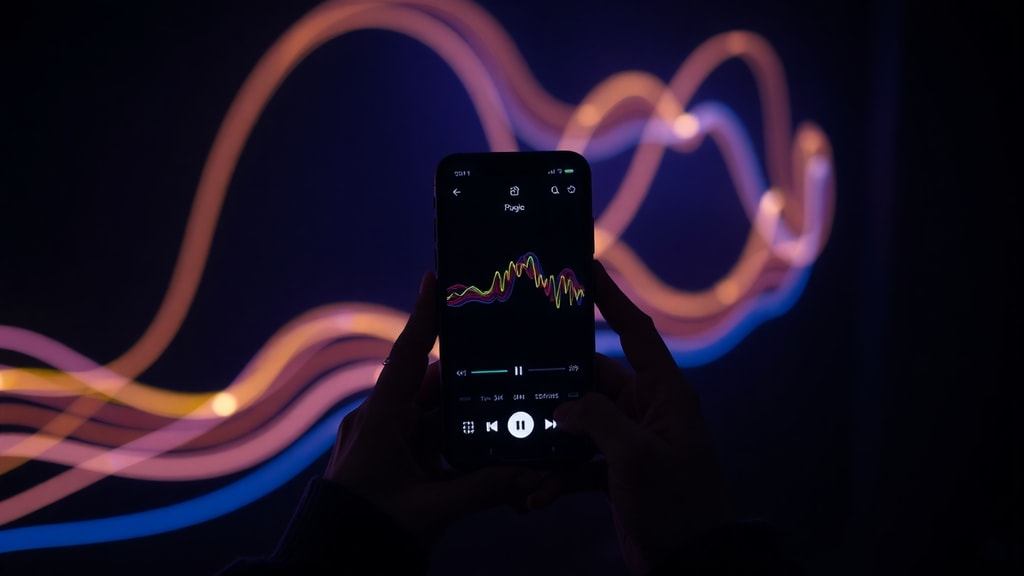
For more detailed technical background on how AI processes audio for style transfer, you can read about source separation and generative models on FreeMusic.ai. Another useful resource is the explanation of genre conversion workflows on OpenMusic.ai, which describes the step-by-step process the AI follows.
References
Reddit discussion on free AI music conversion tools. Available at: https://www.reddit.com/r/artificial/comments/1aiga4r/theres_a_free_ai_program_to_convert_music_audio/
TopMediai guide on changing music genre with AI. Available at: https://es.topmediai.com/music-tips/change-music-genre-with-ai/
Musicful AI genre changer tool. Available at: https://es.musicful.ai/music-generator/ai-change-music-genre/
FreeMusic.ai AI remixer page. Available at: https://www.freemusic.ai/pt/ai-remixer
OpenMusic.ai more tools page. Available at: https://www.openmusic.ai/pt/more-tools
Adapta blog post on AI music creation. Available at: https://adapta.org/blog/ia-que-cria-musica
Teclaseafins article on top AI music generators. Available at: https://www.teclaseafins.com.br/os-9-melhores-geradores-de-musica-por-ia/