Introduction to the VGA Port
The VGA port, standing for Video Graphics Array, represents a foundational piece of computer history that connected displays to computers for decades. Developed by IBM in 1987, this analog video interface standard became the primary way to transmit visual data from a computer to a monitor, projector, or television. Despite being largely replaced by modern digital connections like HDMI and DisplayPort, the VGA port remains a familiar sight on older equipment and even some current projectors and monitors. This guide provides a comprehensive overview of the VGA port, explaining its design, functionality, limitations, and why it still matters today.
What is a VGA Port?
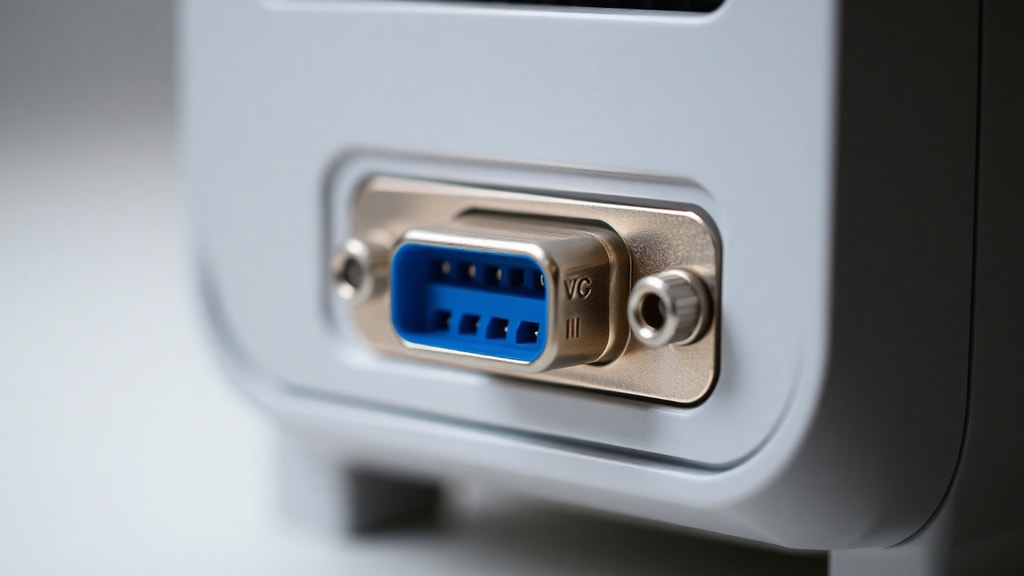
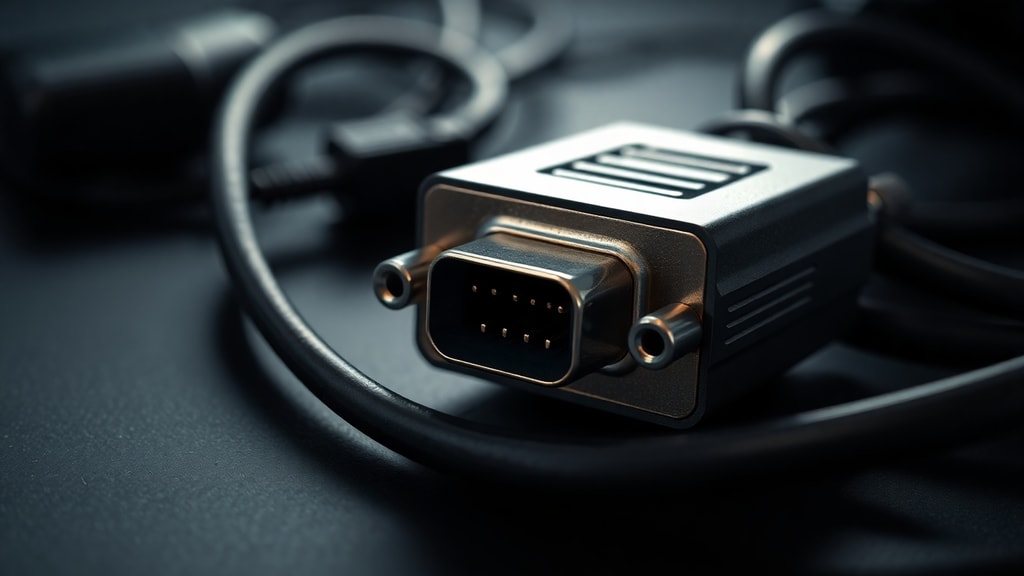
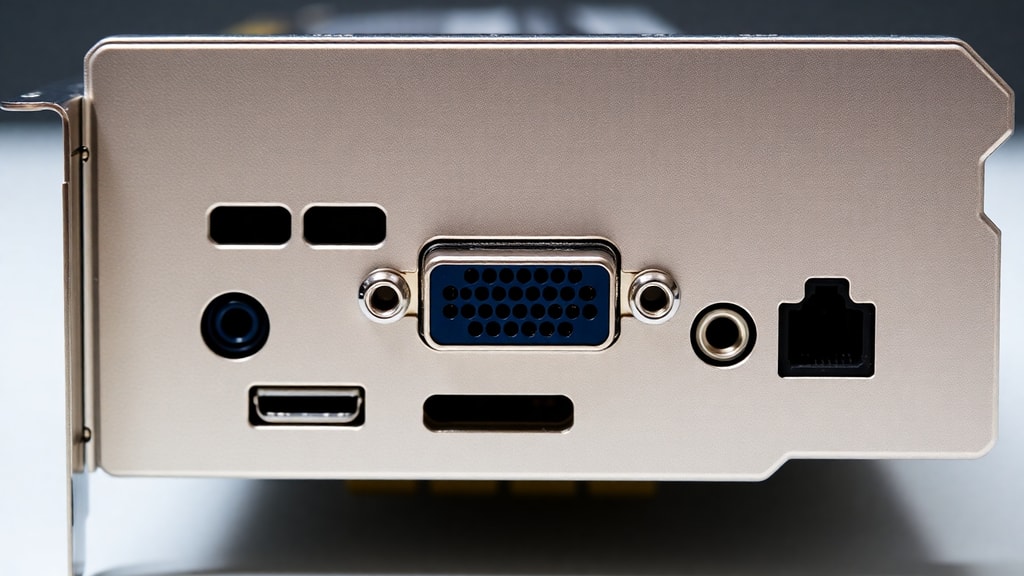
A VGA port is a 15-pin D-subminiature connector, often referred to as a D-SUB connector. It features three rows of five pins each, housed in a trapezoid-shaped metal shell. This unique shape ensures that the connector can only be inserted in the correct orientation, preventing damage to the pins. The port and its corresponding cable ends are typically colored blue, making them easy to identify on the back of a computer or the side of a laptop. This standardization helped the VGA port become the universal video connector for over two decades, appearing on everything from home desktop computers to professional-grade servers.
How Does a VGA Port Work?
The VGA port transmits analog video signals through its 15 pins. It uses a system of analog voltages to represent the red, green, and blue components of an image. Each pixel on the screen is created by varying the intensity of these three colors, allowing for a wide range of hues. The port also carries horizontal and vertical synchronization signals, which tell the monitor when to start a new line or a new frame. Because it is an analog interface, the VGA signal is susceptible to electrical interference and signal degradation over long cable runs, which can result in a softer image or ghosting effects. Importantly, the VGA port does not carry audio. For sound to be transmitted alongside video, a separate 3.5 mm audio cable is required, connecting the computer's audio output to the speaker or display.
Key Features and Specifications
The VGA standard has several defining characteristics that determine its performance and capabilities. The original 1987 specification supported a maximum resolution of 640x480 pixels at a 60 Hz refresh rate, which was a massive improvement over earlier standards like CGA and EGA. However, as technology advanced, implementation of the interface evolved significantly. Modern VGA connections can support much higher resolutions, such as 1920x1080 (Full HD) and even 2048x1536, which is roughly 2K. The achievable resolution depends heavily on the quality of the cable, the length of the cable, and the capabilities of both the graphics card and the monitor.
The color depth of VGA is another critical specification. The interface supports up to 16 million colors, achieved through 24-bit color depth. This means that each of the three color channels, red, green, and blue, can display 256 different shades. When combined, these create a palette of over 16.7 million distinct colors, which is sufficient to produce smooth gradients and realistic images for most non-professional purposes. The analog nature of the signal, however, means that the exact color reproduction can vary between different displays and cable setups.
Common Uses of the VGA Port
For the majority of its lifespan, the VGA port was the standard output on desktop computers and most laptop computers. Its primary use was to connect a computer to a dedicated monitor, allowing users to interact with their operating system, run applications, and view media. In corporate and educational settings, VGA became the universal connector for projectors. Many conference rooms and classrooms were wired with VGA cables to connect laptops to large presentation screens. The port was also widely used in point-of-sale systems and kiosks due to its reliability and low cost. Today, while less common on new laptops and monitors, the VGA port is still frequently found on budget monitors, older second-hand hardware, and many professional-grade projectors that are designed to maintain compatibility with a wide range of older computers.
VGA vs. Modern Digital Interfaces
To understand the current relevance of VGA, it is helpful to compare it to its digital successors, such as DVI, HDMI, and DisplayPort. The following table highlights the key differences:
| Feature | VGA | HDMI / DisplayPort |
|---|---|---|
| Signal Type | Analog | Digital |
| Max Resolution (Typical) | 1920x1080 (Full HD) at good quality | 3840x2160 (4K) and beyond |
| Audio Support | No | Yes |
| Image Quality | Prone to interference and signal loss | Clean, uncompressed, consistent quality |
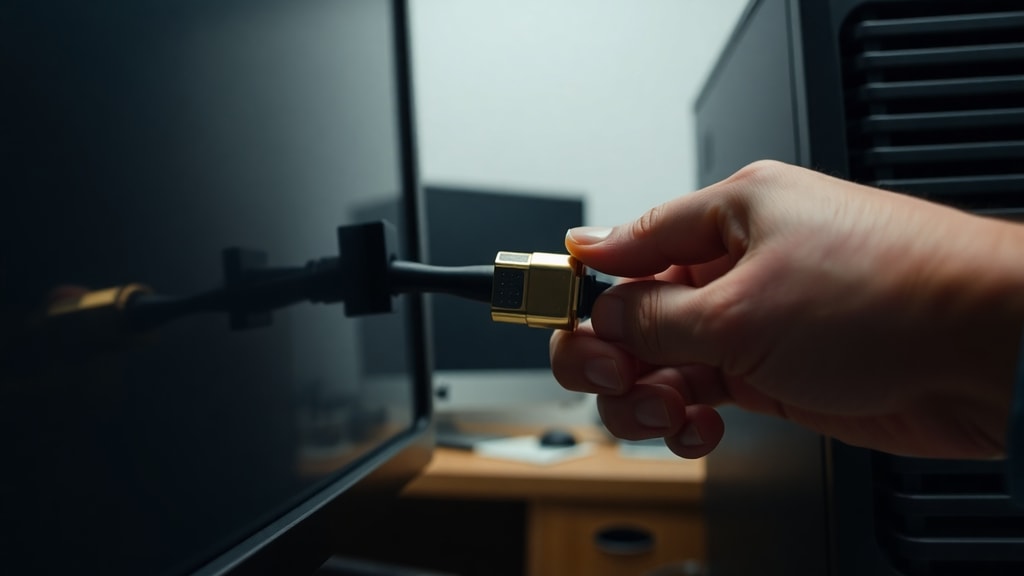
| Connector Size | Large, with thumbscrews | Compact and user-friendly |
Digital interfaces offer superior image quality, higher resolutions, and the convenience of carrying both audio and video on a single cable. For example, a standard HDMI cable can deliver 4K resolution at 60 Hz with surround sound, whereas VGA is limited to lower resolutions for stable images and requires a separate audio cable. DisplayPort offers similar advantages and is often preferred for high-end computer monitors and gaming.
Advantages of VGA
Despite its age and limitations, the VGA port holds several practical advantages that explain its continued presence. The most significant benefit is its broad compatibility. Almost every monitor and projector built before 2015 includes a VGA input, and adapters are readily available to connect VGA to modern digital ports. This makes VGA an excellent solution for legacy systems, industrial equipment, and setups where upgrading the display hardware is not feasible. Furthermore, VGA cables are inexpensive and widely available. For applications that do not require high resolution, such as displaying a simple menu screen or connecting to a secondary display for text-based work, VGA performs adequately. Its analog signal can also be transmitted over long distances with signal amplifiers, which can be more cost-effective than extending digital signals over similarly long runs.
Disadvantages and Legacy Status
The primary disadvantage of VGA is its analog signal. Over longer cable lengths, the signal degrades, causing ghosting, blurring, and color shifting. This makes it unsuitable for modern high-resolution displays and professional work that demands color accuracy. The lack of audio support is another major limitation, as it requires an additional cable for sound, cluttering a setup. Additionally, the physical connector is large and uses thumbscrews, making it less convenient than the plug-and-play nature of HDMI. Because of these drawbacks, the VGA port is now considered a legacy interface. Major laptop manufacturers have largely phased it out, and many modern monitors only include digital ports. While adapters can still connect VGA devices, the interface is no longer the standard for new hardware.
List of VGA Port Alternatives
For users seeking to connect displays today, several alternatives to the VGA port offer better performance:
- HDMI: The most common consumer standard for TVs and monitors, supporting both video and high-definition audio.
- DisplayPort: A high-performance interface favored for computer monitors, especially for gaming and professional use.
- DVI (Digital Visual Interface): An older digital standard that provides better image quality than VGA but lacks audio support.
- USB-C (with DisplayPort Alt Mode): A modern, versatile connector that can carry video, audio, data, and power through a single cable.
- Thunderbolt: A high-speed interface that supports video output and is common on Apple and some PC laptops.
Each of these alternatives provides a cleaner digital signal, higher resolution potential, and often a simpler connection process than VGA.
Is VGA Still Useful in 2025?
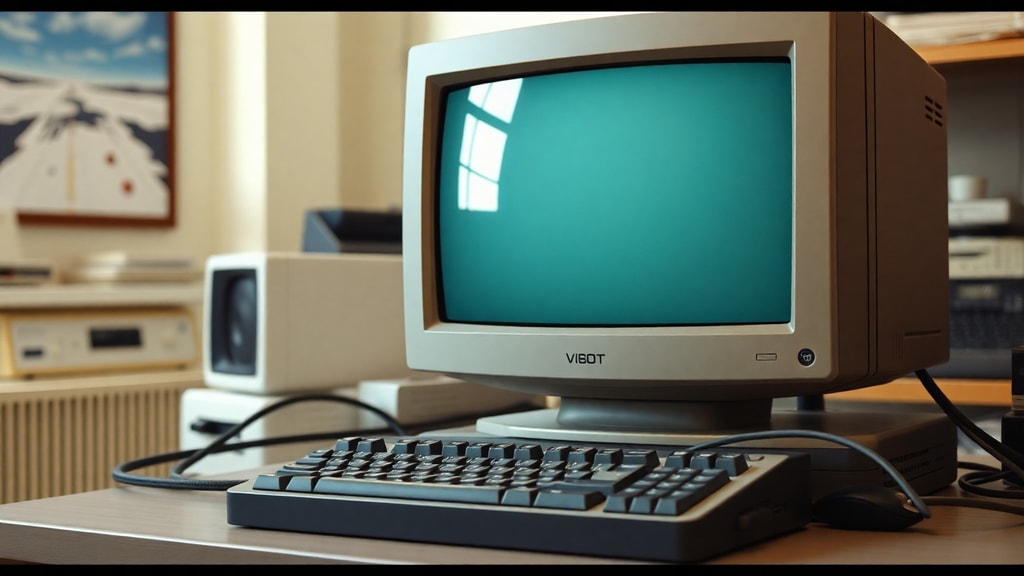
The answer depends on the specific use case. For individuals using very old computer systems, industrial equipment, or retro gaming setups, VGA remains a necessary and functional standard. Many projectors in schools, universities, and corporate conference rooms still use VGA because of the investment in existing cabling and hardware. Adapters for VGA to HDMI are inexpensive and work well for connecting a legacy computer to a modern monitor. However, for new systems, buying a monitor with only a VGA port is not recommended. Digital ports offer superior image quality, easier setup, and support for modern features like high dynamic range (HDR) and high refresh rates. A practical approach is to keep a VGA cable or adapter in your bag for compatibility with older projection systems, but to use digital connections for your primary display.
How to Get the Best Performance from a VGA Connection
If you need to use a VGA connection, there are steps you can take to maximize image quality. First, use a high-quality, shielded VGA cable that is as short as possible. Longer cables are more prone to signal degradation. Avoid running VGA cables parallel to power cords or other sources of electrical interference. Make sure the thumbscrews on the cable connector are tightened securely to ensure a solid physical connection, which prevents signal flickering. On the software side, set your computer's display output to the native resolution of the monitor. Using a non-native resolution will result in a blurry image because the monitor has to scale the analog signal. Finally, many monitors have a auto-adjust or auto-configuration button that can fine-tune the analog signal for the sharpest possible image.
References
This article was compiled using information from the following sources:
Wikipedia. VGA connector. https://en.wikipedia.org/wiki/VGA_connector
HP. What is VGA?. https://www.hp.com/us-en/shop/tech-takes/what-is-vga-comprehensive-guide-video-graphics-array
PCMag. Definition of VGA. https://www.pcmag.com/encyclopedia/term/vga