Can You Use One Bank App on Two Phones?
The question of whether you can install and use a bank app on two different phones is common. Many people have a personal phone and a work phone, or they upgrade to a new device while keeping the old one. The answer is not a simple yes or no. Policies vary significantly between banks and countries. In general, most banks allow you to install their app on multiple devices, but restrictions on simultaneous active sessions and security features apply. This article explores the general rules, highlights recent regulatory changes in Nigeria, and provides practical guidance for managing bank apps across multiple phones.
General Banking App Policies for Multiple Devices
Most major banks globally permit app installation on up to two devices. However, only one active session is typically allowed at any given time. Logging into the app on a second phone often logs out the first device. This policy is designed to prevent unauthorized access and reduce fraud risk. Banks like HSBC, Barclays, and NatWest explicitly support multi-device access with unique credentials. For example, you can have the HSBC app on your iPhone and iPad, and both can be active as long as you log in with your username and password. Barclays and NatWest similarly allow app use on multiple devices, though the exact number may vary. Some banks, such as First Direct, require one device to act as a secure key generator, limiting full functionality on other phones. Always check your bank's specific support pages for device limits and session rules.
Nigeria's New CBN Rule: What Changes on July 1, 2026
The Central Bank of Nigeria has introduced a landmark regulation that will change how mobile banking apps operate. Effective July 1, 2026, bank apps in Nigeria will only work on one device at a time. This rule aims to enhance security and reduce fraud. Users must reactivate and authenticate the app when switching phones. Transaction limits apply for the first 24 hours on a new device, with a maximum allowed of ₦20,000. This means if you buy a new phone or want to use a second device, you cannot simply install and log in. You must go through a reactivation process, verify your identity, and then accept a lower transaction limit for a day. This rule applies to all banks operating in Nigeria and represents a major shift from current practices. For the official details, see the Central Bank of Nigeria's communication.
Multi-User vs. Multi-Device Access
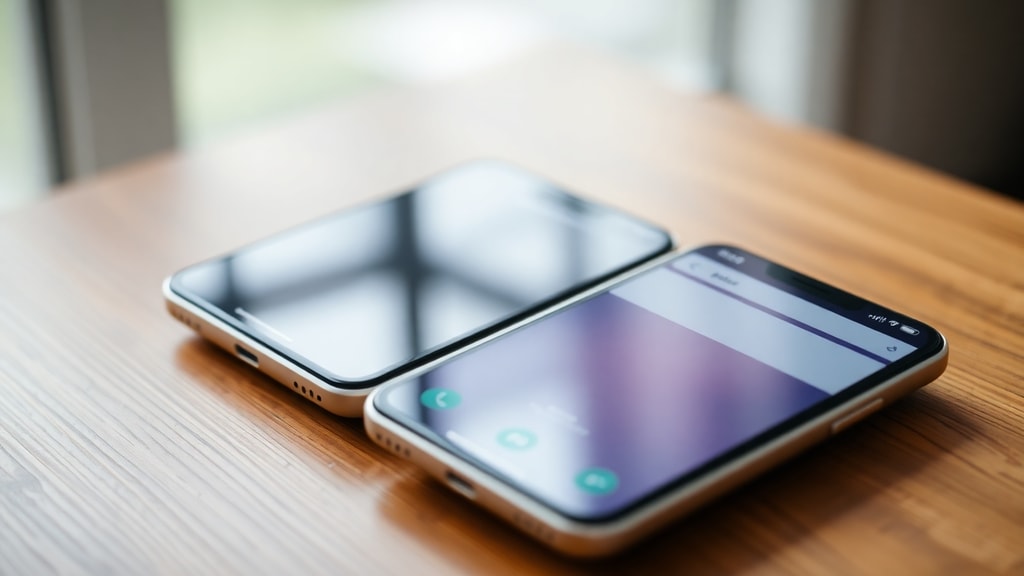
It is important to distinguish between multi-user and multi-device capabilities. Some bank apps, like those from Bank Five Nine and HomeStreet, allow multiple user accounts on one device. This means a family member can have their own login within the same app on the same phone. At the same time, these banks also support one user having the app on multiple devices, provided the additional devices are registered via online banking. This flexibility is useful for households that share a single phone or for users who want app access on both a phone and a tablet. Not all banks offer this feature, so you should verify with your specific institution. The key point is that having multiple users on one device and one user on multiple devices are separate functions with different requirements.
Security Recommendations for Multiple Device Use
Using a bank app on more than one phone introduces security risks. Banks strongly advise logging out after each session, especially on shared or work devices. Use strong passwords or PINs that are not shared across accounts. Enabling biometric locks, such as fingerprint or facial recognition, adds a layer of protection. This prevents unauthorized access if your phone is lost or stolen. The Federal Deposit Insurance Corporation recommends these practices to protect consumers. Always install app updates promptly, as they often include security patches. Do not root or jailbreak your phone, as this can bypass security features. If you sell or give away an old phone, perform a factory reset and remove all banking apps and data. Following these steps reduces the chance of fraud when using bank apps on multiple devices.
Examples of Banks Supporting Multi-Device Access
Numerous banks in the United Kingdom and elsewhere support simultaneous app use on multiple devices. HSBC allows you to have the app on your mobile phone and iPad. First Direct uses a secure key system, where one device generates verification codes and another device logs in. Atom, Barclays, Halifax, Lloyds, Nationwide, Santander, TSB, and Virgin Money all support app use on multiple devices at the same time. This means you can log in on your phone and your tablet without logging out the other. However, some caution is warranted. For example, Chase UK and First Direct restrict secure key generation to one device. This means you need that specific device to complete login verification on other phones. The secure key device must be present and operational for the other phone to work. This can be a limitation if you lose or damage the key device. Always check the app's support documentation to understand which device handles security tokens.
Common Issues and Troubleshooting
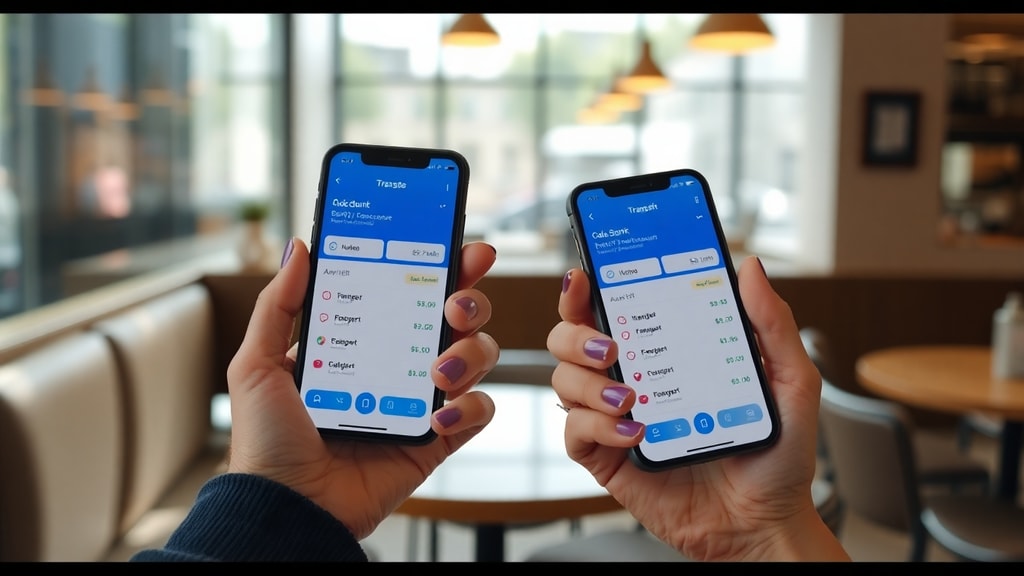
Users often encounter problems when trying to use a bank app on two phones. One common issue is being logged out of the first device when logging into the second. This is usually by design, as most banks enforce one active session. Another problem is that some apps require re-registration or reactivation when switching devices. This can involve receiving a code via SMS, answering security questions, or visiting a branch. Transaction limits may also apply on new devices, as seen with the new Nigerian rule. To avoid frustration, always check your bank's device policy before attempting to log in on a second phone. If you experience issues, logging out of all devices through online banking can help reset your sessions. Contact customer support if you cannot resolve the problem, but be prepared to verify your identity.
List of Key Considerations Before Using a Bank App on Two Phones
Before installing your bank app on a second phone, review the following checklist:
- Check your bank's official website or app for device limits and session policies.
- Understand if you need to register the second device via online banking beforehand.
- Be aware of any transaction limits that apply on new or secondary devices.
- Ensure you have a strong password, PIN, and biometric lock enabled on both phones.
- Log out of the app when not in use, especially on shared or work phones.
- Keep both phones updated with the latest app and operating system versions.
- Know which device generates secure keys or verification codes, if applicable.
- Plan for the possibility that the first device may be logged out automatically.
Table of Banking App Policies Across Selected Banks
This table summarizes the multi-device policies for some major banks. Policies may change, so always verify with the bank directly.
| Bank Name | Supports Multi-Device? | Notes on Security |
|---|---|---|
| HSBC | Yes | Allows app on phone and tablet. Unique credentials for each device. |
| Barclays | Yes | Supports multiple devices. May require PINsentry for some operations. |
| NatWest | Yes | App can be on multiple devices. One active session per user generally. |
| First Direct | Yes (with restriction) | Secure key device needed for full access on other phones. |
| Chase UK | Yes (with restriction) | Secure key generation limited to one device. |
| Lloyds | Yes | Allows app on multiple devices. Check for specific limits. |
| Santander | Yes | Supports multi-device use. Passcode and biometric options available. |
| Nigerian Banks (from July 2026) | No (only one device at a time) | Reactivation required on new device. ₦20k limit for 24 hours. |
App Compatibility and Regional Differences
App compatibility varies by region and device operating system. Some bank apps may not be available on older Android or iOS versions. Always verify that the app is compatible with both phones you intend to use. The new Nigerian rule applies to all banks operating in Nigeria, regardless of their global policies. This means HSBC Nigeria will follow the CBN regulation, not HSBC UK's policy. Similarly, other international banks with Nigerian subsidiaries must comply. If you travel frequently or live in multiple countries, be aware that your bank's home country policy may differ from local regulations. Always use the official app from your bank's authorized store, such as Google Play or the Apple App Store. Avoid downloading from third-party sites, as these may contain malware.
Future Trends and Recommendations
The banking industry is moving toward stricter security measures. The Nigerian rule may become a model for other countries, but it is too soon to say. For now, the safest approach is to limit your bank app to one primary device. If you need access on a second phone, check your bank's policy and follow security best practices. Enable notifications for all transactions so you can quickly spot unauthorized activity. Regularly review your account statements for any suspicious transactions. If you lose a phone that has your bank app, contact your bank immediately to disable that device access. Many banks allow you to remotely log out of all sessions through online banking. By staying informed and cautious, you can safely use your bank app on two phones if your bank allows it. However, be prepared for the possibility that policies may tighten in the future.
References
Central Bank of Nigeria. New CBN Rule on Mobile Banking Apps Effective July 1, 2026. Available at: https://www.cbngov.com/new-cbn-rule.
HSBC UK. Support for Multiple Devices. Available at: https://www.hsbc.co.uk/support.
Barclays UK. Device Support for Mobile Banking. Available at: https://www.barclays.co.uk/support.
NatWest. Mobile App Help and Support. Available at: https://www.natwest.com/support.
Bank Five Nine. Multi-User and Multi-Device Support. Available at: https://www.bankfivenine.com/support.
HomeStreet Bank. Personal Banking App Information. Available at: https://www.homestreet.com/personal.
FDIC. Consumer Resources for Mobile Banking Security. Available at: https://www.fdic.gov/consumer-resource.
MoneySavingExpert Forum. Discussion on Bank Apps on Multiple Devices. Available at: https://forums.moneysavingexpert.com/discussion/6394956.
Reddit r/UKPersonalFinance. Secure Key Device Restrictions. Available at: https://www.reddit.com/r/UKPersonalFinance/comments/1hbu6r4.