Understanding Screen Time Duration
Screen time duration can refer to two distinct but related concepts: the amount of time a device display stays on after you stop touching it, and the total amount of time you spend looking at screens each day. Both are important, yet they are often confused. The first is a technical setting that controls when your phone, tablet, or computer locks itself. The second is a health metric that organizations like the American Academy of Pediatrics and Brazilian pediatric institutes monitor for children and adults. In this article, we explore both meanings, provide clear guidelines, and help you decide how long is too long.
Device Screen On Time: What Is the Default and How to Change It
On most smartphones, the default screen on time, also known as display timeout or auto-lock, is set to 15 seconds. This means that after 15 seconds of inactivity, the screen dims and then locks. Users can extend this duration to 30 seconds, 1 minute, 2 minutes, 5 minutes, or even choose the option to never turn off the screen. On Apple iPhones, this setting is called Auto-Lock and can be found under Display & Brightness. On Samsung and other Android devices, it is usually labeled Screen timeout or Screen off delay. On Windows 11, the equivalent setting is under System > Power & battery, where you can adjust when the screen turns off when plugged in or on battery.
Why would you want to change it? A longer screen on time is convenient when reading, watching videos, or following a recipe. However, it also drains the battery faster and may increase the risk of someone else accessing your device if you leave it unlocked. Most people find 30 seconds to 1 minute to be a good balance between usability and security. If you tend to get distracted easily, keeping the timeout short can also help you stay focused.
The Problem of Excessive Screen Time for Health
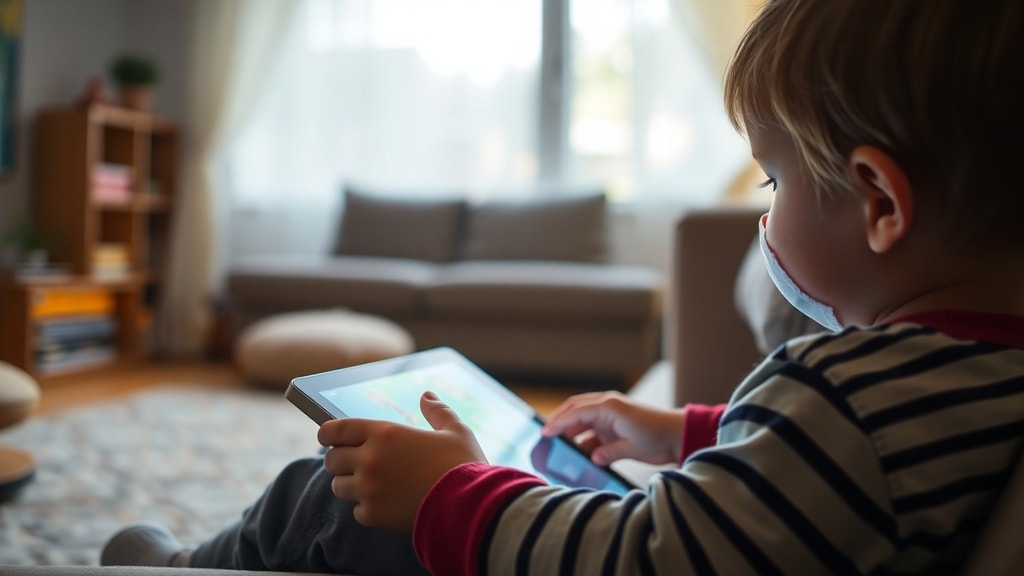
While device timeout settings are a matter of convenience, the total amount of screen time you or your children accumulate each day has profound health implications. Pediatric health organizations, including the Brazilian ObservaPed from the Federal University of Minas Gerais, have established clear limits based on age. These guidelines are designed to prevent developmental delays, obesity, sleep problems, and behavioral issues. The core recommendation is that children under two years should have zero screen time except for video calls. For older children, the maximum recommended daily screen time increases gradually.
Here are the official recommended limits for children and adolescents:
- Children under 2 years old: No screen time (except video chatting).
- Children aged 2 to 5 years: Maximum 1 hour per day.
- Children aged 6 to 10 years: Maximum 2 hours per day.
- Children and adolescents aged 11 to 18 years: Maximum 3 hours per day.
These limits refer to recreational screen time, not time spent on schoolwork or essential tasks. Exceeding these limits regularly can lead to problems with attention, sleep quality, and physical activity. For adults, no official universal limit exists, but many experts recommend no more than two hours of recreational screen time per day, and to break up prolonged sedentary screen use with movement.
Summary of Recommended Screen Time Limits by Age
The table below summarizes the maximum daily screen time for recreational use, based on pediatric guidelines.
| Age Group | Maximum Daily Screen Time (Recreational) |
|---|---|
| Under 2 years | 0 hours (except video calls) |
| 2 – 5 years | 1 hour per day |
| 6 – 10 years | 2 hours per day |
| 11 – 18 years | 3 hours per day |
| Adults (suggestion) | 2 hours or less of recreational screen time |
It is important to note that these are maximums, not targets. Less screen time is always better, especially for younger children. The quality of screen time also matters: interactive, educational, and co-viewed content is preferable to passive consumption of videos or games.
How to Manage Your Screen Time Effectively
Knowing the limits is one thing; actually achieving them is another. Here are practical strategies to keep your screen time within healthy ranges. First, adjust your device settings so that the screen turns off after a short period of inactivity. This simple change reduces the temptation to keep scrolling. Second, use built-in screen time management tools. Both iOS and Android offer features that allow you to set app limits, downtime, and content restrictions. You can also enable grayscale mode to make the screen less stimulating.

For parents, it is crucial to model good behavior. Children often imitate the screen habits of their parents. Establish screen-free zones, such as the dinner table and bedrooms. Encourage outdoor play, hobbies, and face-to-face social interactions. If you need reliable information on pediatric guidelines, the ObservaPed page from UFMG provides detailed recommendations in Portuguese. For general definitions and broader medical advice, the Wikipedia article on screen time offers a comprehensive overview that aligns with the American Academy of Pediatrics.
The Impact on Physical and Mental Health
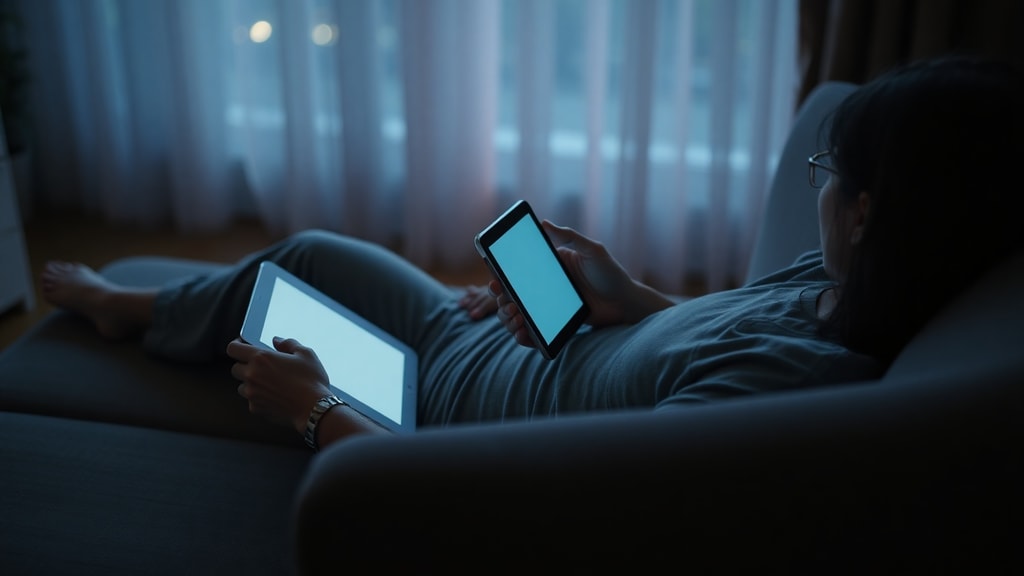
Excessive screen time does not only affect children. Adults who spend many hours in front of screens for work and then more for leisure face increased risks of digital eye strain, headaches, dry eyes, and blurred vision. This condition is often called computer vision syndrome. Prolonged sitting combined with screen use contributes to a sedentary lifestyle, which is linked to obesity, cardiovascular disease, and type 2 diabetes. Mental health consequences include higher rates of anxiety, depression, and sleep disruption due to blue light exposure that suppresses melatonin production.
Breaking up screen time is essential. The 20-20-20 rule helps eye strain: every 20 minutes, look at something 20 feet away for at least 20 seconds. Also, ensure that device screen brightness matches the ambient light and that you maintain good posture. For children, the risk is even greater because their brains and eyes are still developing. Research shows that too much screen time before age two can delay language acquisition and social skills. For older children, it can interfere with school performance and physical activity.
Conclusion
Screen time duration is a dual concept. On one hand, it is a simple device setting that controls how long your display stays active before locking. On the other hand, it is a critical health metric that should be monitored throughout life. The answer to “how long is too long” depends on age, activity, and context. For device timeout, a setting between 15 seconds and 1 minute is typically ideal for security and battery life. For daily recreational screen use, follow the age-based guidelines: zero for infants, one hour for toddlers, two hours for elementary children, and three hours for teens. Adults should aim for less than two hours of recreational screen time and prioritize breaks and physical movement. By being intentional with your screen settings and habits, you can enjoy the benefits of technology without harming your health.
References
Universidade Federal de Minas Gerais, ObservaPed. Tempo de tela: recomendações por idade. Available at: https://www.medicina.ufmg.br/observaped/tempo-de-tela/
Wikipedia. Tempo de tela. Available at: https://pt.wikipedia.org/wiki/Tempo_de_tela
Samsung Support Brasil. Como alterar a duração da luz de fundo (screen off delay). Available at: https://www.samsung.com/br/support/mobile-devices/ (search for "Duração da luz de fundo")
Apple Support. Ajustar o bloqueio automático da tela no iPhone. Available at: https://support.apple.com/pt-br/auto-lock
All Things Windows. How to adjust screen timeout in Windows 11. Available at: https://windows.atsit.in/24670/
Firsty. Healthy screen time: how much is too much? Available at: https://www.firsty.app/pt/the-wanderer/product/healthy-screen-time-how-much-is-too-much/