Immediate Steps After Your Phone Gets Wet
When your phone comes into contact with moisture, whether from a drop in water, a splash, or even high humidity, the first few seconds are critical. The most important action is to power down the device immediately. Do not check if it is still working, do not press any buttons, and do not attempt to charge it. Keeping the phone on can cause a short circuit, which may permanently damage the internal components. Even if the screen appears to be functioning, the electrical currents can corrode the delicate circuitry over time. So, turn it off right away and do not turn it back on until you are certain it is completely dry.
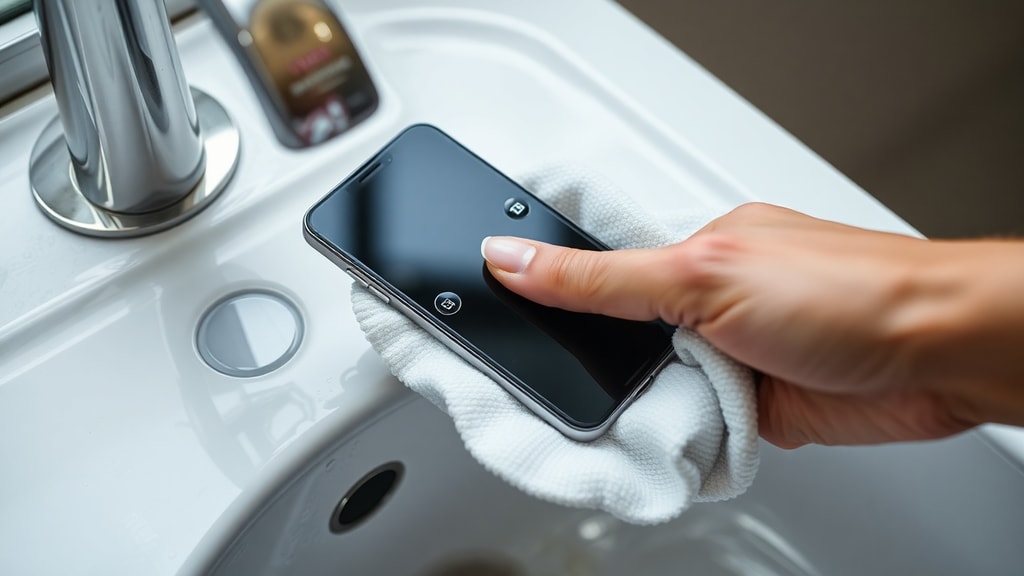
Next, remove the phone case, SIM card tray, memory card, and any other loosely attached accessories. This is not just about drying the exterior; it is about allowing air to reach every crevice. Moisture can become trapped under the case or inside the SIM slot, and if you leave those parts in place, you are sealing the water inside. By removing them, you improve airflow and give the moisture a path to escape. Also, gently wipe the phone with a soft, lint-free cloth or a microfiber towel. Pat the device dry; do not rub. Rubbing can force water deeper into ports, speakers, or the charging port, making the drying process much harder and increasing the risk of damage.
Why You Should Avoid the Rice Method
Many people have heard that burying a wet phone in a bowl of uncooked rice is an effective drying method. However, this is a widespread myth that can do more harm than good. Rice is not a strong desiccant like silica gel. It absorbs moisture very slowly, and its effectiveness is minimal compared to other household items. More importantly, rice dust and starches can easily enter the phone's charging port, headphone jack, and speaker grilles. Once inside, these particles can cause blockages, interfere with connections, and even create a sticky residue that attracts more dirt and moisture later.
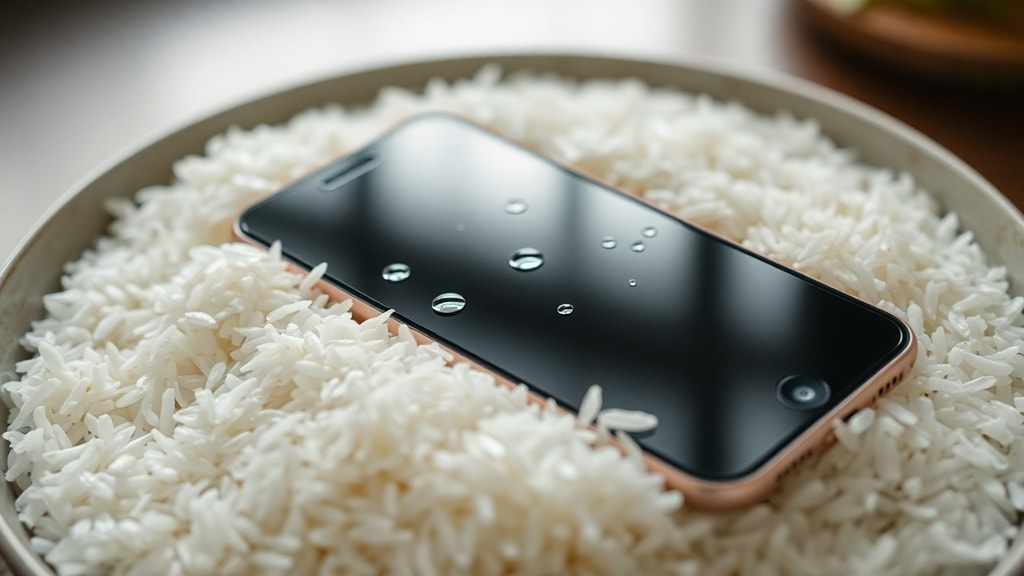
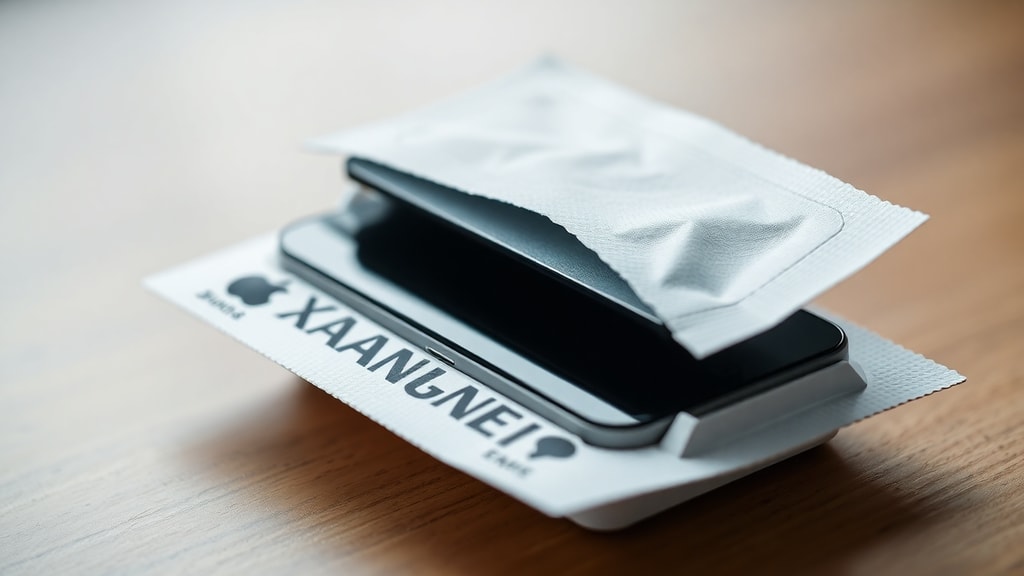
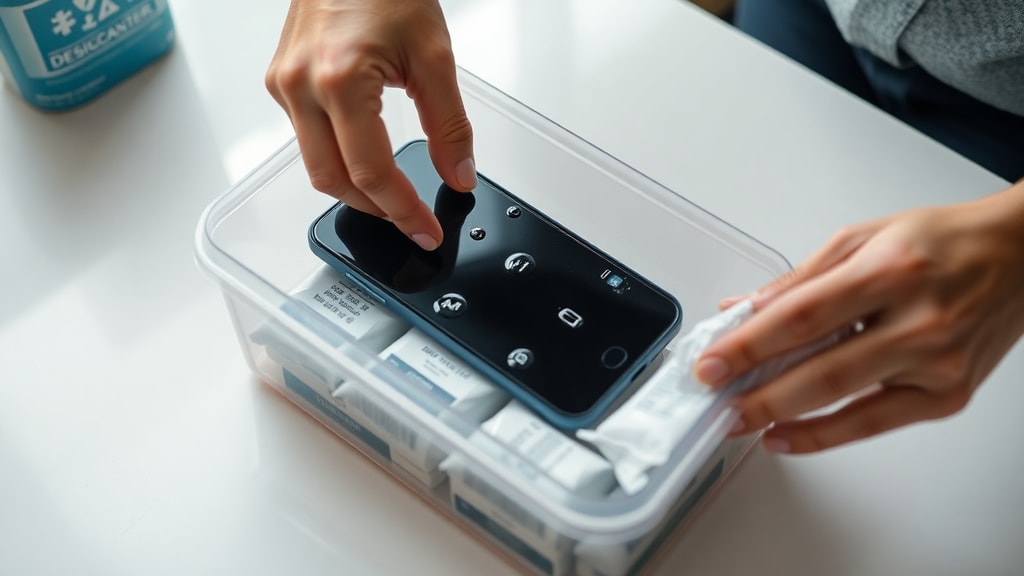
Instead of rice, professionals recommend using silica gel packets, which are the small white pouches often found inside shoe boxes, electronics packaging, or vitamin bottles. Silica gel is a powerful desiccant designed specifically to absorb ambient moisture. If you have several of these packets, place your phone and the packets inside a sealed plastic bag or airtight container. Let it sit for 24 to 48 hours. The silica gel will draw the moisture out of the phone much more efficiently than rice, and without the risk of introducing foreign particles into the device.
The Proper Drying Process
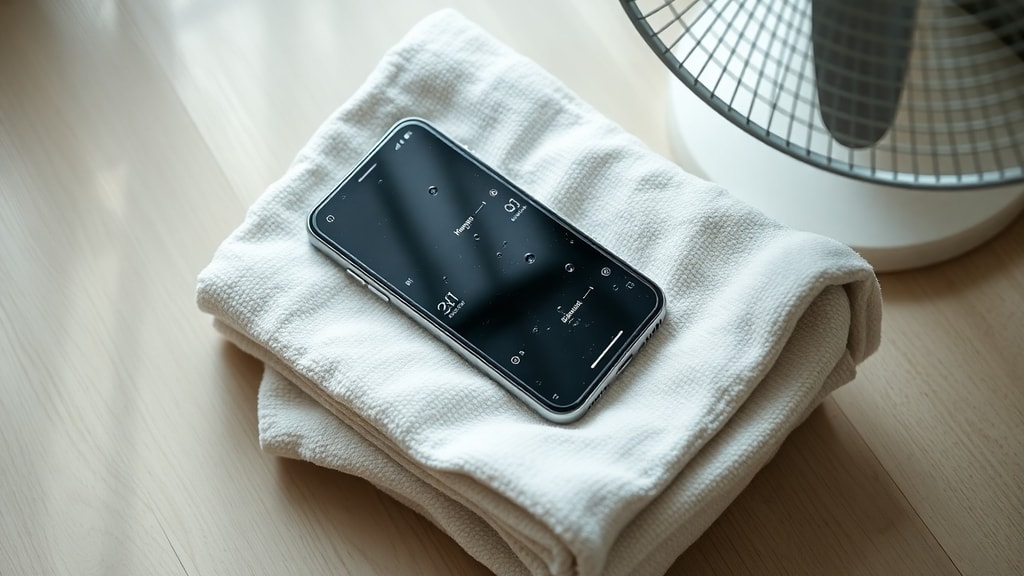
After powering off and removing all accessories, you should place your phone in a dry, well-ventilated area. A location near a fan is ideal. Position the phone with the charging port facing downward, which helps any water trapped inside the port to drain out by gravity. Do not use a hair dryer, oven, microwave, or any direct heat source. High heat can melt internal components, damage the battery, and warp the plastic casing. Patience is essential here; rushing the process by applying heat can cause irreversible destruction.
If you have silica gel packets, use them as described earlier. If you do not have any, you can also buy a commercial drying pouch or container designed for electronics. Some people use a vacuum chamber or a desiccant-based dehumidifier, but those are less common for home use. The key is to keep the phone in a sealed environment with a strong moisture absorber for at least one full day. Even if the phone looks dry after a few hours, moisture can still be trapped under the screen or inside the battery compartment. Waiting the full 24 to 48 hours is the safest course of action.
During this period, do not try to turn the phone on, do not charge it, and do not connect any accessories. If your phone shows a "Moisture Detected" or "Charging Unavailable" alert, this is a safety feature. It indicates that the device's sensors have detected residual moisture in the charging port. Even if you think the phone is dry, that warning means you need to wait longer. Consider using a wireless charger if your phone model supports it, but only after you are confident the device has fully dried, because wireless charging still involves electrical current passing through the phone's internal circuits.
Proactive Measures to Prevent Moisture Damage
Prevention is always better than repair. While you cannot always avoid a spill or a drop, you can take steps to protect your phone from humidity and minor exposures. Here are a few recommendations:
- Use a waterproof case when you are near water, such as at the beach, near a pool, or during outdoor activities in the rain.
- Keep your phone away from bathrooms, kitchens, and other high-humidity environments. Steam from a hot shower can enter the phone just like liquid water.
- If you live in a very humid climate, consider storing your phone with a few silica gel packets inside a drawer or case when not in use.
- Avoid using your phone in heavy rain. Even if it is rain-resistant, the pressure of falling water can exceed the tolerance of its seals over time.
- If you are at a pool or beach, be mindful of sand and dust. Small particles can compromise the seals that protect against water ingress.
Even with modern water-resistant ratings like IP67 or IP68, these protections wear down over time. The rubber gaskets that keep water out can degrade with age, heat, and exposure to chemicals. Therefore, do not rely solely on your phone's water resistance rating. Treat all moisture exposure as a serious risk, especially for older devices.
Comparison of Drying Methods
Below is a table comparing common drying methods. This will help you make an informed decision about the best approach for your situation. The table focuses on effectiveness, risk of damage, and required time.
| Method | Effectiveness | Risk of Damage | Time Required |
|---|---|---|---|
| Silica Gel Packets | High | Low | 24–48 hours |
| Air Drying with Fan | Moderate | Low | 24–72 hours |
| Rice | Low | High (dust, starch) | 24–48 hours |
| Hair Dryer / Heat | Very Low | Very High (melted parts) | Minutes (but damaging) |
| Commercial Drying Pouch | High | Low | 24–48 hours |
As the table illustrates, silica gel packets and professional drying pouches are the safest and most effective options. They are specifically designed to absorb moisture without harming the sensitive electronics inside your phone. Air drying is a reasonable free option but takes longer and is less effective in high humidity environments. The rice method and heat-based methods should be avoided due to the high risks involved.
When to Seek Professional Help
If your phone was submerged in saltwater, chlorinated water, or any liquid other than fresh water, you should not rely solely on home drying methods. Saltwater and chemicals can cause rapid corrosion and short circuits even after the phone appears dry. In such cases, it is best to take the phone to a professional repair service as soon as possible. They can open the device, clean the internal components with isopropyl alcohol, and check for any corrosion or damage. The same applies if your phone was in water for more than a few seconds or if it was under pressure.
Additionally, if you have performed the drying steps and waited 48 hours, but your phone still does not turn on, or if it turns on but behaves erratically, like the touch screen not responding, the battery draining quickly, or strange colors appearing on the display, then professional intervention is necessary. Delaying professional help can worsen the damage. If you need more detailed guidance, you can read about the experiences of others and find step-by-step instructions on sites like TechRadar and Ladoretech. For official guidance from manufacturers, check Samsung Support or the Apple guide on G1 Globo. Do not attempt to open the phone yourself unless you are a trained technician, as breaking the seals can void your warranty and introduce more problems.
References
Below are the reputable sources used to compile the information in this article. These references provide further reading and official recommendations from manufacturers and technology experts.
Source: Samsung Support – "Deixei meu Galaxy cair na água. E agora?" https://www.samsung.com/br/support/mobile-devices/i-dropped-my-device-in-water/
Source: G1 Globo Guide (via Apple) – "O que fazer se o celular cair na água?" https://g1.globo.com/guia/guia-de-compras/tecnologia/saiba-o-que-fazer-se-o-celular-cair-na-agua.ghtml
Source: Pplware – "O meu telemóvel molhou-se! O que fazer?" https://pplware.sapo.pt/truques-dicas/o-meu-telemvel-molhou-se-o-que-fazer/
Source: TechRadar – "How to dry a wet phone" https://www.techradar.com/news/phone-dry-wet-phone
Source: Ladoretech – "Como Secar um Celular que caiu na água em 03 Passos" https://ladotech.com.br