Understanding TPM 2.0: The Foundation of Modern Hardware Security
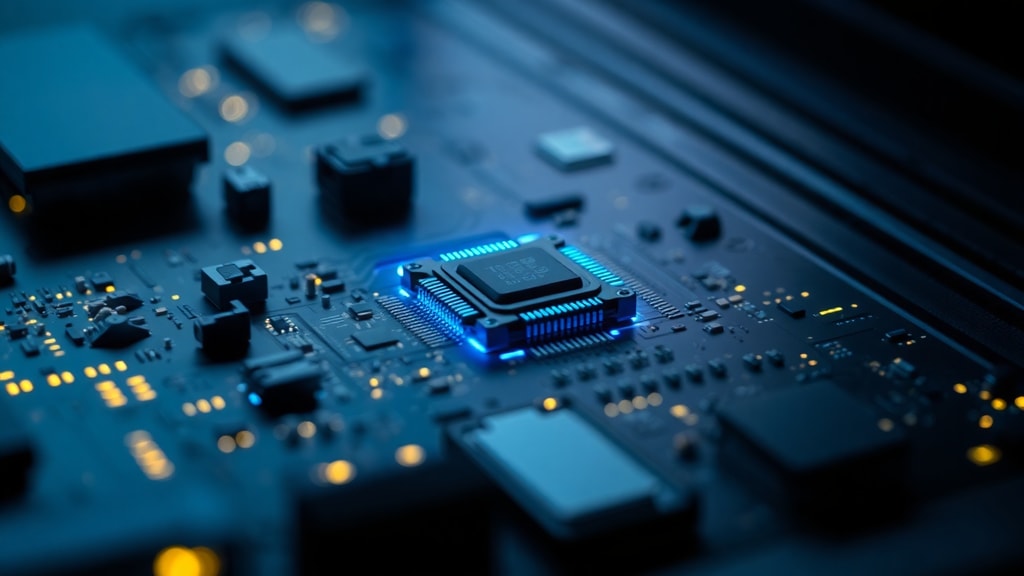
Trusted Platform Module 2.0, often abbreviated as TPM 2.0, represents a significant evolution in hardware-based security for personal computers and servers. At its core, TPM 2.0 is a dedicated cryptoprocessor, a microchip either embedded on a computer's motherboard or integrated directly into the processor itself. Its primary purpose is to act as a hardware root of trust, a secure foundation upon which many critical security functions are built. Unlike software-only solutions, TPM 2.0 stores cryptographic keys, passwords, and digital certificates in a hardened environment that is resistant to both software attacks and physical tampering. This technology is now a mandatory requirement for installing and updating to Windows 11, marking a turning point in how operating systems verify system integrity and protect user data. The specification was defined by the Trusted Computing Group (TCG) and became the international standard ISO/IEC 11889:2015, comprising four parts that detail its architecture, commands, and interfaces.
The Key Benefits of Using TPM 2.0
TPM 2.0 offers a range of advantages that go far beyond secure boot. One of the most notable benefits is its support for cryptographic agility. While its predecessor, TPM 1.2, was largely restricted to SHA-1 and RSA algorithms, TPM 2.0 embraces modern encryption methods such as SHA-256, AES, and Elliptic Curve Cryptography (ECC). This flexibility allows systems to adapt to evolving security standards and protects against future vulnerabilities. Another major benefit is enhanced identity protection. With TPM 2.0, features like Windows Hello for biometric login become more secure because the private keys used for authentication never leave the chip. Similarly, full-disk encryption tools such as BitLocker rely on TPM to bind the encryption keys to the specific hardware, preventing unauthorized access if the hard drive is removed and placed into another machine. Beyond personal computing, TPM 2.0 enables remote attestation, a feature that allows a system to prove its software state to a remote server. This is invaluable in enterprise environments where IT administrators need to ensure that devices are running trusted firmware and operating systems before granting network access. The chip also supports secure firmware updates, mitigating the risk of attackers installing malicious firmware that persists across reboots.
The architecture of TPM 2.0 introduces a session-based authorization model that adds a layer of flexibility for multifactor authentication. Instead of a simple password, the chip can enforce complex authorization policies combining biometrics, PINs, and external tokens. Furthermore, TPM 2.0 defines four distinct hierarchies: the Endorsement Hierarchy (EH) for platform attestation, the Storage Hierarchy (SH) for user data protection, the Platform Hierarchy (PH) under firmware control, and the Null Hierarchy for ephemeral keys. This separation allows different stakeholders (e.g., the user, the operating system, and the firmware) to manage their own keys without interfering with each other. For everyday users, the most visible benefit is the peace of mind that their most sensitive credentials are protected by dedicated hardware rather than vulnerable software storage.
Security Capabilities and How TPM 2.0 Protects Against Threats
Security is the primary reason Microsoft made TPM 2.0 a requirement for Windows 11. The chip serves as a guard against several categories of attacks. One of the most critical protections is against pre-boot attacks. When a computer starts up, TPM 2.0 measures each boot component—from the UEFI firmware to the bootloader to the operating system kernel—and stores these measurements in its Platform Configuration Registers (PCRs). If any component has been tampered with, the measurements will not match the expected values, triggering a secure boot failure. This means that even if a sophisticated rootkit or bootkit is present, the system can detect it before the operating system loads. Another security function is credential protection. TPM 2.0 can generate and store encryption keys that are never exposed to the operating system's memory. This makes it extremely difficult for malware to steal those keys, even if the attacker gains administrative privileges. The chip also supports sealed storage, where data can only be decrypted when TPM releases the decryption key, but only if the system state matches certain measurements. This is particularly useful for protecting VPN credentials or cloud storage keys.
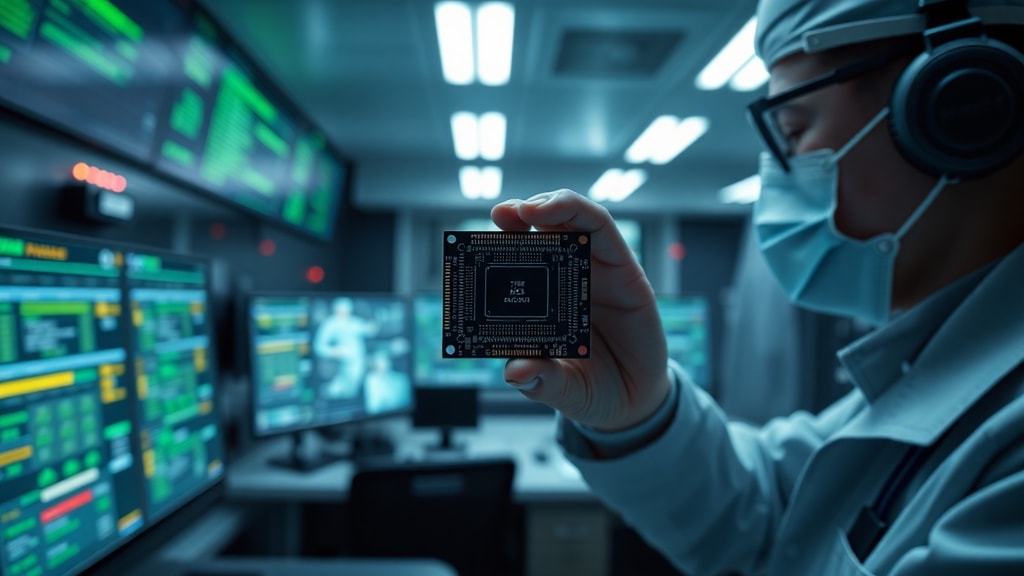
Physical attacks are also mitigated through tamper-resistant design. While no hardware is completely invulnerable, TPM 2.0 chips are designed to resist probing, voltage glitching, and other invasive techniques. Some modern implementations are firmware-based, such as AMD fTPM or Intel Platform Trust Technology (PTT), which run within a secure enclave on the main processor. These virtual TPMs provide the same logical functionality while eliminating the cost of a separate chip. However, they still offer robust security because they leverage the processor's built-in isolation features. The cryptographic agility of TPM 2.0 also addresses a major weakness of TPM 1.2: the reliance on SHA-1, which has known collision weaknesses. By supporting SHA-256 and ECC, TPM 2.0 ensures long-term resistance to cryptographic advances.
Comparison: TPM 1.2 vs. TPM 2.0
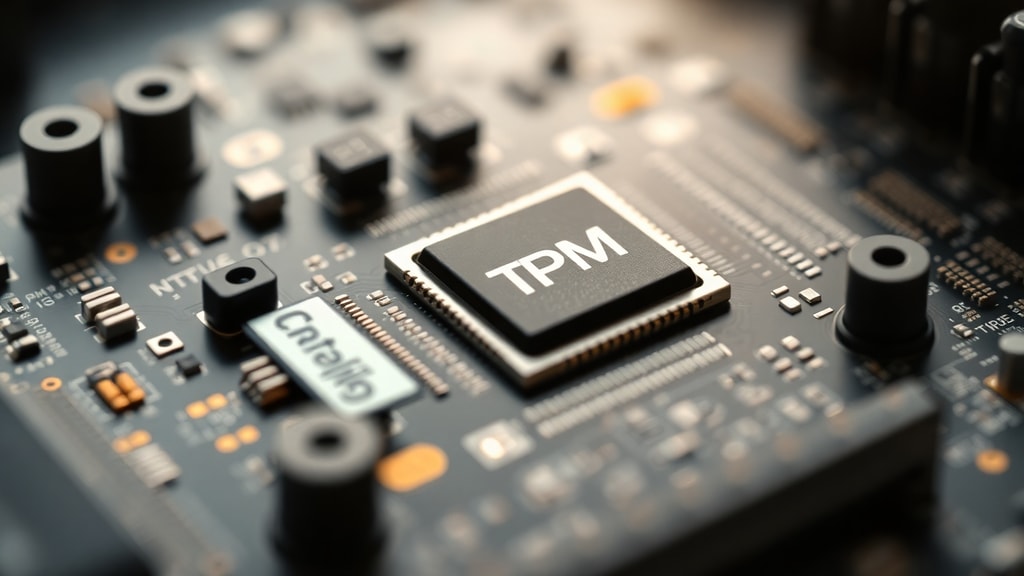
To fully appreciate the improvements in TPM 2.0, it helps to see how it compares to the older TPM 1.2 standard. The following table highlights the most important differences.
| Feature | TPM 1.2 | TPM 2.0 |
|---|---|---|
| Cryptographic algorithms | SHA-1, RSA (limited) | SHA-256, AES, ECC, SHA-384, and more (algorithm agility) |
| Hierarchy structure | Single root of trust | Four hierarchies (EH, SH, PH, Null) |
| Authorization model | Simple authdata (password-like) | Session-based, multiple authorization methods (PIN, biometric, TPM policy) |
| Key types | RSA keys only, limited signing | Support for symmetric keys, HMAC, and more algorithm types |
| Standardization | Proprietary / TCG spec | ISO/IEC 11889:2015 |
| Windows 11 requirement | Not supported | Mandatory |
The table above makes clear that TPM 2.0 is not merely an incremental update. It is a fundamental redesign that brings modern cryptography, flexible authorization, and a clear separation of privileges. For anyone building or upgrading a computer, ensuring TPM 2.0 support is now essential for full compatibility with current operating systems and security features.
Setting Up TPM 2.0 on Your PC
Enabling TPM 2.0 on a modern computer is usually a straightforward process, but the exact steps depend on the manufacturer. Most desktop and laptop systems built in 2018 or later include either a physical TPM chip or a firmware-based TPM (fTPM) that can be activated in the BIOS or UEFI settings. The following list outlines the general steps to get TPM 2.0 up and running on a typical Windows PC.

- Restart your computer and enter the firmware settings (often by pressing a key like F2, Del, F10, or Esc during boot).
- Navigate to the security section. Look for options labeled "TPM," "Trusted Platform Module," "Intel Platform Trust Technology," or "AMD fTPM."
- If the TPM is currently disabled, change the setting to "Enabled." For AMD systems, you may need to enable "AMD fTPM switch." For Intel, enable "Intel PTT" or "TPM Device Selection."
- Save the changes and exit. The computer will reboot. In rare cases, you may be prompted to clear the TPM; only do so if you are prepared to lose any previously stored keys (such as BitLocker recovery).
- Once in Windows, verify the TPM status by opening the Windows Security app, selecting "Device security," and then "Security processor details." It should show "TPM 2.0" with a "Ready" status.
- Alternatively, you can use the "tpm.msc" command in the Run dialog to open the TPM Management console and check the version.
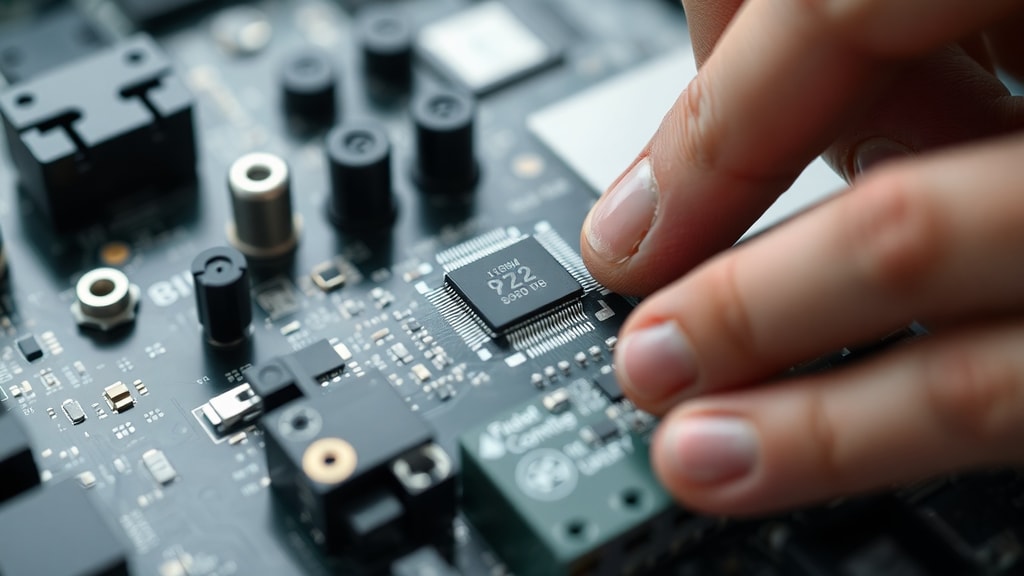
If your system does not appear to have TPM 2.0, you can check with your motherboard or computer manufacturer's support website. Some older systems require a firmware update to enable fTPM support. For custom-built desktops, you may need to install a discrete TPM module onto a dedicated header on the motherboard, though this is less common in modern builds. Microsoft provides detailed guidance on enabling TPM 2.0 on their support page, which is particularly helpful for troubleshooting specific brand configurations.
Once TPM 2.0 is active, you can take advantage of features like BitLocker drive encryption. Setting up BitLocker in Windows 11 will automatically leverage the TPM to secure the encryption keys. You can also use Windows Hello for Business or Windows Hello for personal login, which stores biometric templates in the TPM. For advanced users, TPM 2.0 can be used with tools like the Microsoft Platform Crypto Provider to create and manage keys for custom applications. The setup process is minimal, yet the security uplift is profound, making TPM 2.0 one of the most critical components for modern computing.
Additional Resources and Further Reading
For those interested in deeper technical details, the Trusted Computing Group provides the complete TPM 2.0 library specification. This documentation includes all commands, data structures, and implementation guidance. Microsoft offers extensive documentation on TPM fundamentals, including how the chip interacts with Windows security features. Intel also publishes a useful overview of what a TPM is and how it benefits hardware security. These resources are invaluable for system administrators and security enthusiasts alike.
Two contextual references within this article are provided for authoritative support:
You can find a comprehensive explanation of TPM fundamentals on Microsoft Learn. This page details how TPM works in Windows environments, including key management and attestation. Another excellent source is Intel's guide to what a TPM is, which explains the technology in plain language and highlights its role in platform security.
References
Microsoft. "TPM Fundamentals." Windows Hardware Security, https://learn.microsoft.com/en-us/windows/security/hardware-security/tpm/tpm-fundamentals.
Intel. "What Is a TPM?" Intel Learning, https://www.intel.com/content/www/us/en/learn/what-is-a-trusted-platform-module.html.
Trusted Computing Group. "TPM 2.0 Library Specification." https://trustedcomputinggroup.org/resource/tpm-library-specification/.
ISO/IEC 11889:2015. "Trusted Platform Module." International Organization for Standardization.
Wikipedia. "Trusted Platform Module." https://en.wikipedia.org/wiki/Trusted_Platform_Module.