What Is AI Photo Generation and How It Works
Artificial intelligence has fundamentally changed how we create and edit images. AI photo generation refers to the process where machine learning models produce entirely new pictures or dramatically alter existing ones based on text prompts, reference images, or other inputs. These systems learn from millions of photographs and artworks, understanding patterns of lighting, composition, texture, and subject matter. When you provide a description like a portrait of a woman in Renaissance style, the AI reconstructs visual elements it has learned, blending them into a coherent result. This technology has become accessible to everyone, not just professional designers and photographers. In this article, we explore practical tools you can use right now, with any device, to generate photos using AI.
Kandinsky AI: Bringing Old Photos to Life
One of the most impressive capabilities of modern AI is animating still photographs. Kandinsky AI, developed by Sber, offers a feature called Create Animation that can add realistic facial movements to old photos. This tool is particularly meaningful for family archives where you have pictures of grandparents or ancestors from decades ago. The process is simple: you upload a clear portrait, select the area of the face, and the AI generates a short video where the person blinks, turns their head slightly, and changes their expression. The result feels natural, not robotic. You can access Kandinsky AI through the official Sber Telegram bot by searching for @GigaChat. This makes it available without installing complex software. For anyone interested in historical photo restoration or just having fun with family memories, this is a standout option.
AI Gahaku: Turning portraits into paintings
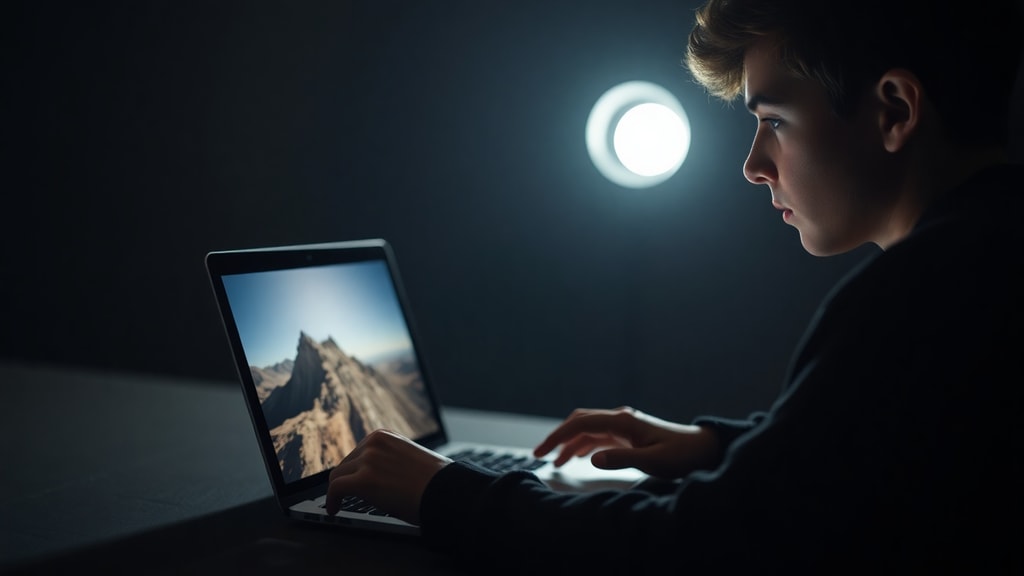
If you want to transform a portrait into the style of famous artists, AI Gahaku provides a free and registration-free solution. Originally developed by a team from Russia and Japan, this tool takes any facial photo and reimagines it as if painted by masters like Van Gogh, Rembrandt, or Picasso. The AI analyzes the structure of your face, the lighting, and the background, then applies brushstrokes and color palettes that match the chosen artistic genre. What makes this tool efficient is its speed: within seconds, you receive a high-resolution output that you can download and share. Unlike some other generators, AI Gahaku works entirely in your browser, so no downloads or sign-ups are required. This is an excellent choice for creating unique profile pictures, gifts, or artistic prints without any technical skill.
Remaker AI: Creating talking photos from any portrait
Another remarkable application is the talking photo feature from Remaker AI. With this tool, you can take a single portrait of a person or even a group photo and make the characters speak. You upload the image, then record a short message or type text that the AI converts into spoken words. The algorithm maps the mouth movements, changes the expressions, and syncs them with the audio. The quality is surprisingly lifelike, and it works with both modern digital photos and scanned old images. This tool is useful for educators creating interactive content, marketers producing engaging visuals, or anyone wanting to add a personal touch to a greeting card. Remaker AI also supports multiple languages, broadening its appeal.
SnapEdit.App: Enhancing photo quality with AI
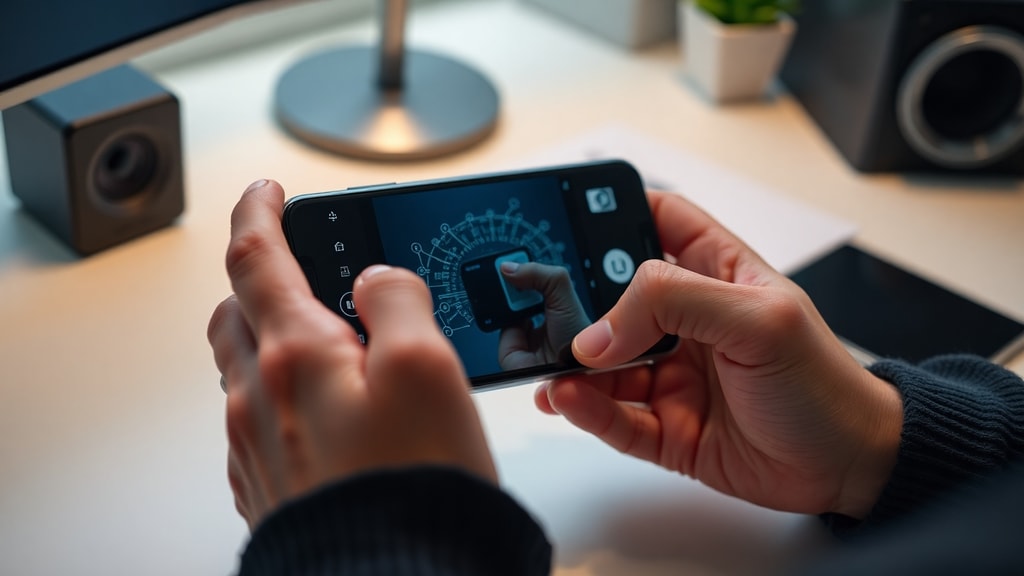
Sometimes you have a low-resolution image, perhaps from an old phone or a website, that you want to improve. SnapEdit.App specializes in AI enhancement that can upscale your photo up to four times its original size. The process removes noise, reduces pixelation, and sharpens details that were previously invisible. When you upload a blurry photo, the AI first detects the type of degradation, then applies specific filters to restore clarity. This is especially helpful for product images, event photos, or portraits taken in poor lighting. The interface is straightforward, and you can process multiple images quickly. For anyone who needs cleaner visuals for presentations, social media, or personal archives, this tool saves hours of manual editing.
Airbrush: Removing unwanted objects or people
Pictures often include elements that distract from the main subject. An accidental passerby in a vacation photo, a trash can in the corner, or an ex-partner in a group shot. Airbrush provides an AI-powered object remover that works in seconds. Simply upload your image, brush over the element you want removed, and the AI fills the space with matching background textures. The algorithm analyzes surrounding pixels, lighting, and patterns to create a seamless result. This tool is free for basic use and does not require registration. It operates entirely in the browser, so there is no software to install. Whether you are cleaning up product images for an online store or perfecting family portraits, Airbrush makes these edits effortless.
Comprehensive list of AI photo tools for various tasks
To help you choose the right tool for your specific need, here is a list of effective AI applications for different photo generation and editing tasks:
- For animating old photos: Kandinsky AI via @GigaChat bot
- For transforming portraits into paintings: AI Gahaku (no registration)
- For creating talking photos: Remaker AI (supports group images)
- For upscaling and noise removal: SnapEdit.App (up to 4x enhancement)
- For removing objects or people: Airbrush (brush and remove)
- For full image generation from text: PhotoGPT AI (text-to-image and editing)
- For mobile photo enhancement: Fotor AI editor on Google Play
Skillbox listing: 13 neural networks for photo processing
For readers who want an extensive review of available tools, Skillbox published a guide covering thirteen AI neural networks for photo processing. This resource includes both free services and those operating on credit systems. The Skillbox list examines tools for restoration, stylization, retouching, and full generation. It compares user interfaces, output quality, and specific strengths of each platform. If you are new to AI photo tools, consulting such a review helps you understand which application matches your workflow. The guide also discusses limitations, such as maximum resolution or processing time for complex images.
PhotoGPT AI: All-in-one generator and editor
PhotoGPT AI combines text-to-image generation with photo editing capabilities. You can type a description like a cat wearing a hat in a futuristic city and receive a new image created from scratch. Alternatively, you can upload an existing photo and request changes, such as altering the background or changing colors. This flexibility makes PhotoGPT suitable for both creative projects and practical edits. The AI interprets your instructions with good accuracy, though like all generative tools, results depend on how clearly you describe what you want. It also supports video generation, expanding its utility beyond still images. For users who prefer having multiple functions in one place, PhotoGPT reduces the need to jump between different websites.
Fotor: AI photo editing on mobile
Mobile users have access to Fotor, available on Google Play, which brings AI photo enhancement to your phone. The app includes features to sharpen blurry images, remove noise from low-light shots, and increase resolution. You can also apply artistic filters and retouch portraits. Fotor uses a neural network trained on diverse photographic styles, allowing it to handle selfies, landscapes, and product photos equally well. Because it runs on a mobile device, you can edit images on the go without relying on a desktop computer. The app offers a free tier with core functionality, making it accessible to anyone with a smartphone interested in improving their visual content.
Comparison table of key AI photo tools
| Tool | Main function | Access method | Cost |
|---|---|---|---|
| Kandinsky AI | Animate old photos | Telegram bot @GigaChat | Free with limits |
| AI Gahaku | Portrait to painting | Web browser | Free |
| Remaker AI | Talking photos | Web browser | Free tier available |
| SnapEdit.App | Upscaling and enhancement | Web browser | Free with premium options |
| Airbrush | Remove objects or people | Web browser | Free for basic use |
| PhotoGPT AI | Generate and edit images | Web browser | Paid, credit-based |
| Fotor | Mobile photo enhancement | Android app | Free with in-app purchases |
Practical tips for using AI photo generators
To get the best results from these tools, start with a high-quality input image whenever possible. Even when using enhancement features, a clear original produces superior outputs. For text-to-image generation, write descriptive prompts that include details about lighting, composition, mood, and style. For example, instead of writing a dog, write a golden retriever sitting in a sunny meadow with soft focus background. Experiment with different tools for different tasks. You might use SnapEdit.App to improve a low-resolution image and then upload the result to AI Gahaku for artistic styling. Many platforms allow you to combine their outputs. Also, remember that some services limit the number of free uses per day, so plan accordingly if you have multiple images. Always review the terms regarding image ownership if you intend to use generated photos commercially.
Limitations and ethical considerations
While AI photo generation is powerful, it has limitations. Faces generated from text prompts can sometimes have unnatural eyes or asymmetrical features, especially with complex poses. Old photo animation may struggle with profiles or images where the face is partially obscured. Additionally, most free tools reduce output resolution or add watermarks. Regarding ethics, avoid using AI to create deceptive images of real people without consent. Some tools have built-in safety filters that prevent generating harmful content, but responsibility still rests with the user. For historical photo restoration, ensure you have the right to modify family images if they include other people. The technology is best used for creative expression, education, and personal projects where transparency about AI involvement is maintained.
References
Kandinsky AI official site. https://www.kandinsky.ai/ru Accessed via Telegram bot @GigaChat. AI Gahaku gallery and converter. https://kernel.ai/ai-gahaku Original site: https://ai-gahaku.com. Remaker AI talking photo documentation. https://remaker.ai/ai-talking-photo. SnapEdit.App enhancement tool. https://snapedit.app/ru/enhance. Airbrush object removal service. https://airbrush.com/ru/object-remover/upload. Skillbox list of 13 AI neural networks for photos. https://skillbox.ru/media/design/ai-for-photos/. PhotoGPT AI image and video generator. https://www.photogptai.com. Fotor AI editor on Google Play. https://play.google.com/store/apps/details?id=com.everimaging.photoeffectstudio.