Understanding the Purpose of a Logo
A logo is more than a simple graphic. It serves as the face of your brand, communicating your identity at a single glance. Before you begin designing, it is crucial to understand that a logo must be memorable, scalable, and relevant to your target audience. The process of creating a logo involves strategic thinking, not just artistic skills. Many people jump straight into software tools without first defining what their brand stands for. This approach often leads to logos that feel disconnected from the business itself. To create a logo that truly represents your company, you need to start with the core values and mission of your brand. Complete the following steps in order to build a solid foundation for your design work.
Step 1: Define Your Brand Identity
The first and most important step is to clarify your brand identity. Ask yourself what your brand stands for, who your customers are, and what emotions you want to evoke. Your brand mission and vision guide the visual direction of your logo. For example, a playful brand for children's toys will use bright colors and rounded shapes, while a law firm will prefer a clean, professional look with straight lines and neutral tones. According to resources from Shopify’s guide on creating a logo, defining your brand identity before starting design saves time and ensures consistency. Write down three to five words that describe your brand personality. Are you modern, traditional, innovative, trustworthy, or eco-friendly? These adjectives become the filter for every design decision you make, from color to typography. Without this step, your logo may fail to connect with the right audience.

Step 2: Research and Find Inspiration
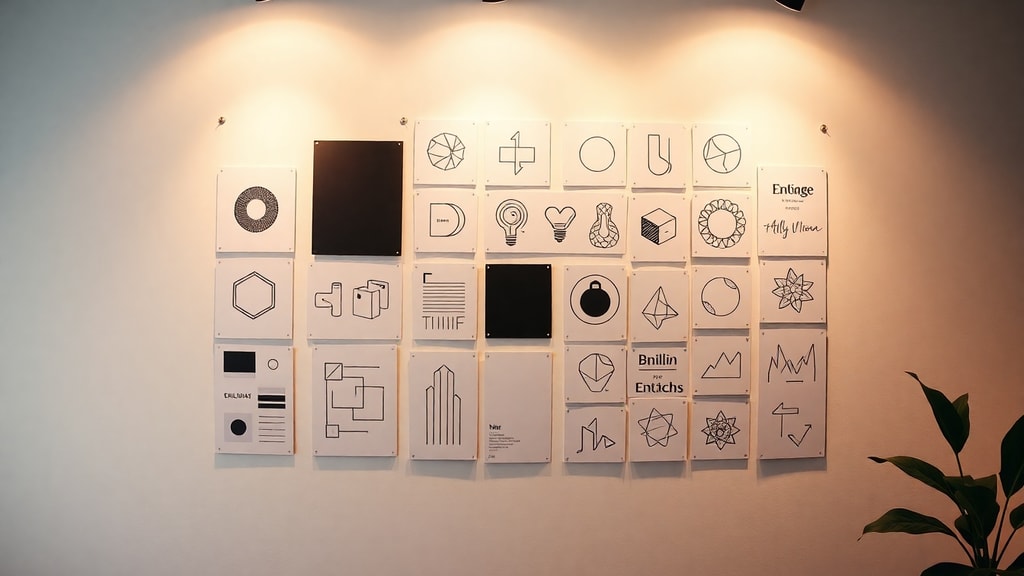
Once you have a clear brand identity, it is time to research. Look at competitors in your industry to understand what visual languages are already being used. This is not about copying but about identifying patterns and finding a way to differentiate yourself. Create a mood board with images, colors, typography samples, and even textures that resonate with your brand. Studying successful logos in other industries can also spark ideas. According to Figma’s logo design guide, gathering visual references helps translate abstract brand values into concrete visual elements. Spend at least a few hours collecting inspiration from websites, magazines, and nature. The goal is to have a rich visual library that will inform your sketches and digital drafts. This research phase ensures you are not designing in a vacuum but with context and purpose.
Step 3: Choose the Right Type of Logo
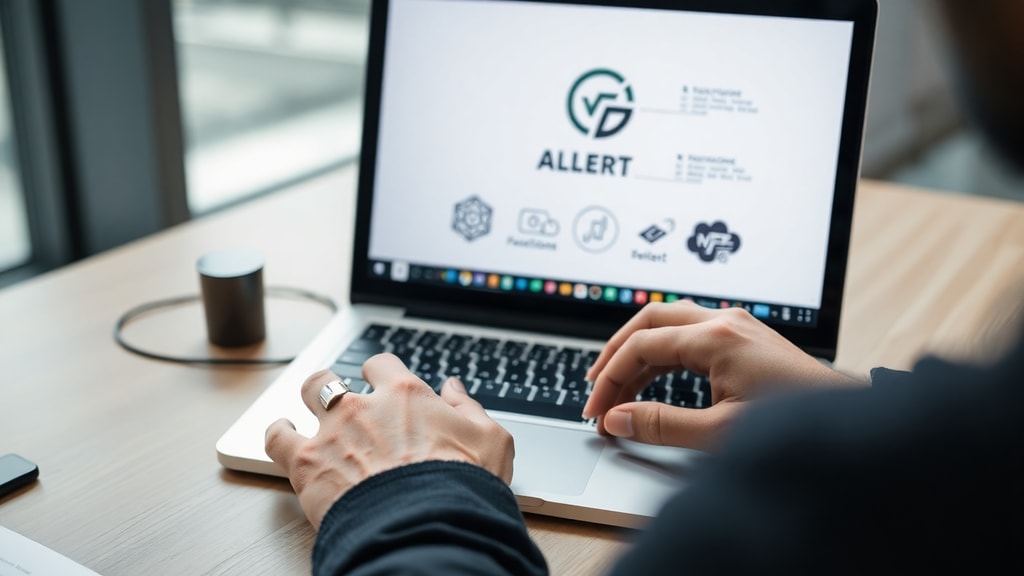
There are three main types of logos: text-based, icon-based, and combination marks. Text-based logos, also known as logotypes, rely entirely on the brand name in a unique font. This works well for startups or brands that need name recognition quickly. Icon-based logos use a symbol without text, like the Nike swoosh or Apple’s apple. These require strong brand awareness. Combination logos merge text and icon, offering flexibility. According to the Wix guide on logo creation, selecting the right type depends on your industry and audience. A professional service firm often benefits from a clean logotype, while a retail brand might use a combination mark for versatility. Create a simple table to weigh the options:
| Logo Type | Best For | Example |
|---|---|---|
| Logotype (Text only) | New brands, legal firms, technology startups | Google, Coca-Cola |
| Icon (Symbol only) | Established brands, global recognition, app icons | Nike, Apple |
| Combination | Most businesses, flexibility for marketing | Adidas, Starbucks |
Consider your long-term strategy. A logotype is easier to change as your brand evolves, while an icon can become timeless. Most small businesses benefit from a combination mark because it gives them a standalone symbol and a clear wordmark to use separately.
Step 4: Select Colors and Fonts with Care
Color theory and typography are at the heart of logo design. Colors evoke psychological responses. Blue suggests trust and security, red communicates energy and passion, green represents nature and health. Limit your palette to two or three colors at most. The same principle applies to fonts. Use no more than two font families in your logo. A highly readable sans-serif font is often the safest choice for digital use, while a serif font can convey tradition and authority. According to GoDaddy’s guide on creating a logo, readability and scalability are key. Test your color choices in grayscale to ensure the logo works without color. Many brands use a primary color and an accent color. Document your choices and maintain consistency across all brand materials. This step prevents common mistakes like using too many colors or trendy fonts that will look outdated quickly.
Step 5: Use AI Tools for Quick Generation (Optional)
If you are short on time or need initial inspiration, artificial intelligence logo generators can be surprisingly helpful. Tools like Canva’s AI logo generator, Tailor Brands, and Wix’s logo maker allow you to input your brand name, industry, and style preferences. They generate several options based on algorithms that consider visual hierarchy and color theory. These tools are not a replacement for a professional designer, but they can help you explore directions quickly. For a detailed guide, consult Canva’s resource on AI logo creation and Tailor Brands’ logo maker. Many entrepreneurs use these generators to produce a draft that they later refine in graphic software. The key is to treat AI results as starting points, not final products. You can then customize the generated designs by adjusting spacing, tweaking colors, and modifying shapes to fit your brand identity.
Step 6: Sketch, Design, and Customize
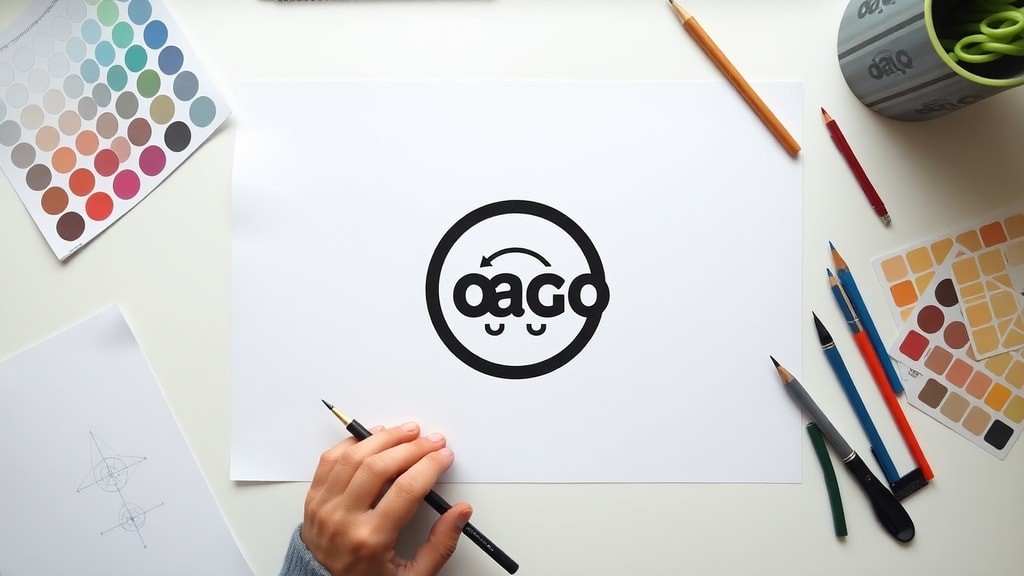
Now you move from planning to creation. Start by sketching your ideas on paper. This low-tech approach allows you to generate many concepts without committing to digital execution. Try at least ten rough sketches. Look for shapes that are simple, balanced, and meaningful. Once you have a few solid concepts, move to graphic software such as Adobe Illustrator, Adobe Express, or free alternatives like Inkscape. Focus on precision. Align elements carefully, maintain consistent spacing, and ensure the logo looks good in both small and large sizes. According to Adobe Express’s guide on creating logos online, customization is what makes a logo unique. Adjust the weight of lines, the curvature of circles, and the relationships between elements. A custom touch on a standard shape can elevate the design. During this phase, keep your brand identity words close. If a design does not feel modern or trustworthy as you intended, discard it and refine another.
Step 7: Export in Multiple Formats
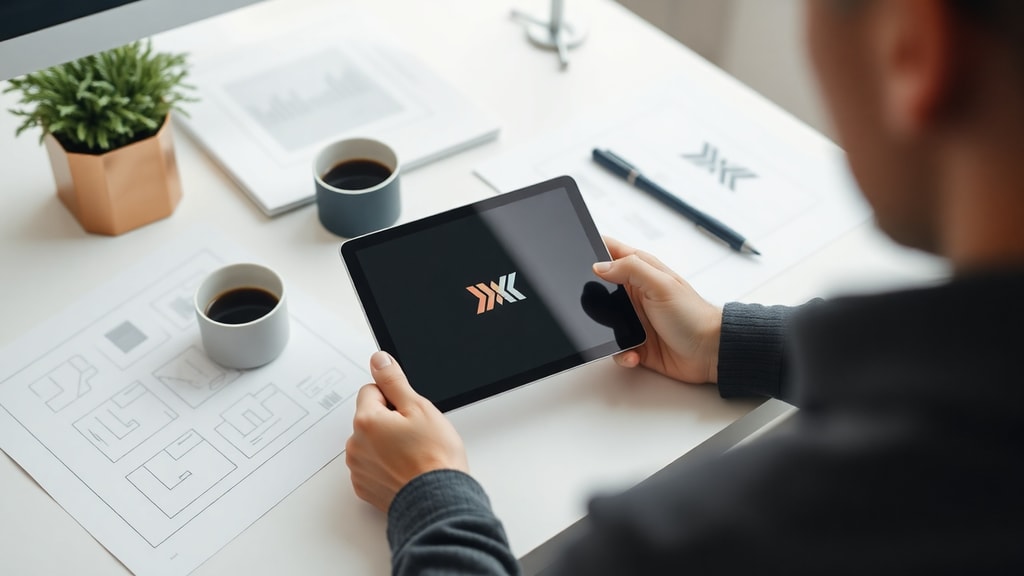
A professional logo must be available in various file types and orientations. You need a vector format like SVG or EPS for scaling without losing quality. You also need PNG files with transparent backgrounds for digital use. Additionally, create a JPEG version for situations where transparency is not required. According to Logo.com’s free logo creation guide, you should also prepare horizontal and vertical versions of your logo. The horizontal version works best in website headers and email signatures. The vertical version fits square profile pictures and mobile app icons. Also create an icon-only version without text for use as a social media avatar or favicon. Store all these variations in a brand folder. Include a style guide that specifies exact color codes (HEX, RGB, CMYK), font names, and clear space requirements. This ensures anyone who works with your brand will use the logo correctly.
Step 8: Test and Gather Feedback
Before finalizing your logo, test it in real-world contexts. Place the logo on your website, on a mockup of a business card, on a social media banner, and even on a product label. Ask for feedback from people who represent your target audience. Do not rely solely on friends and family; seek opinions from potential customers or industry peers. According to Shopify’s comprehensive logo creation guide, collecting feedback before finalizing prevents costly rebranding later. Show two or three logo options and ask specific questions: Which logo feels most trustworthy? Which is easiest to read at a small size? Which best represents the brand’s personality? Take the feedback seriously but remember that you cannot please everyone. If the majority points toward one design, use that as your final choice. Make minor adjustments based on constructive input, such as tweaking spacing or changing a color shade.
Conclusion: Practice and Patience Yield Great Logos
Creating a logo is a process that blends strategy, creativity, and iteration. It is not something that happens in five minutes. The most iconic logos were refined countless times. By following these eight steps, you set yourself up for a logo that will serve your business for years. Remember to define your brand identity first, research thoroughly, choose the right type, select colors and fonts with care, explore AI tools if useful, sketch and customize, export in multiple formats, and test with real feedback. This methodical approach reduces the risk of creating a logo that feels generic or misaligned with your brand. Keep your design simple, versatile, and timeless. A well-crafted logo is an investment in your brand’s future recognition and trust.
References
Shopify. "How to create a logo: a step-by-step guide." Available at: https://www.shopify.com/br/blog/criar-logotipo
Figma. "How to design a logo in 5 simple steps." Available at: https://www.figma.com/pt-br/resource-library/como-criar-um-logotipo/
Wix. "Free Logo Creator Guide." Available at: https://pt.wix.com/logo/criar-logo
GoDaddy. "How to make a logo: step by step." Available at: https://www.godaddy.com/resources/br/artigos/como-fazer-logotipo
Canva. "AI Logo Generator." Available at: https://www.canva.com/pt_br/logo-ia/
Tailor Brands. "Logo Maker." Available at: https://www.tailorbrands.com/pt-br/logo-maker
Adobe Express. "Create a Logo Online." Available at: https://www.adobe.com/br/express/create/logo
Logo.com. "Create a Free Logo." Available at: https://logo.com/pt