What is a Frequency Table?
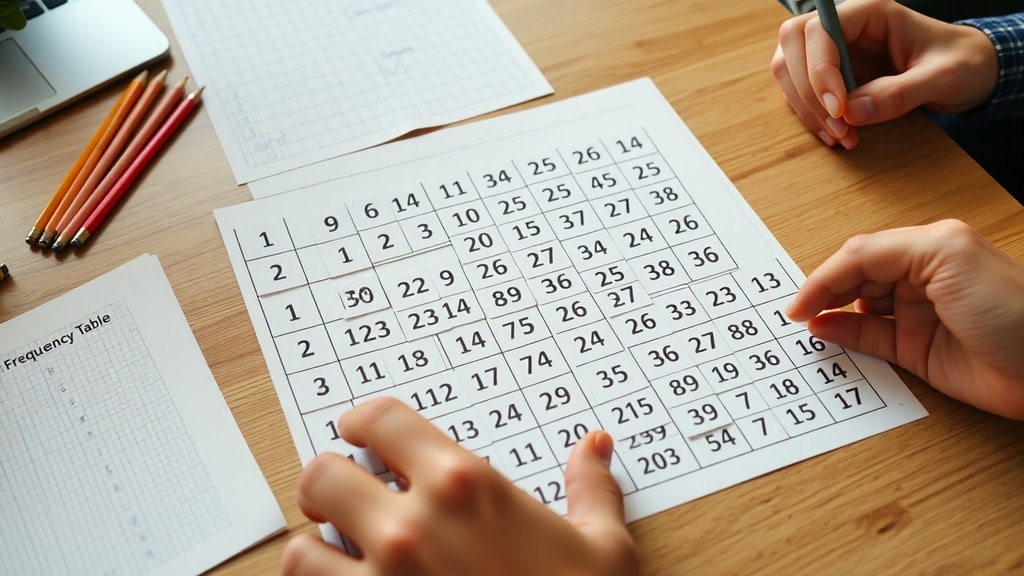
A frequency table, known in Portuguese as a tabela de frequência, is a fundamental statistical tool used to organize and summarize data. It provides a clear and concise way to display how often each distinct value or category occurs within a dataset. By presenting data in a structured format, a frequency table transforms raw, unorganized numbers into meaningful information that is easy to read and interpret. This makes it an essential resource for researchers, analysts, students, and anyone working with data. The primary purpose of a frequency table is to show the distribution of data, allowing you to quickly identify patterns, trends, and outliers. For example, if you survey a group of people about their favorite color, a frequency table would list each color and the number of people who chose it. This simple representation makes large datasets much more manageable and facilitates further statistical analysis.
Key Components of a Frequency Table
To fully understand how a frequency table works, it is important to know its key components. These elements provide different layers of information about the data. The most basic component is the absolute frequency, often denoted as f_i. This is simply the actual count of how many times a specific value or category appears in the dataset. For instance, if the number 5 appears seven times in a list, the absolute frequency for the value 5 is seven. Another crucial component is the relative frequency. This represents the proportion of the absolute frequency relative to the total number of observations in the dataset. It is calculated by dividing the absolute frequency by the total number of data points, often expressed as a decimal or a percentage. Relative frequency helps you understand the share of each value within the whole dataset. Additionally, cumulative frequency is a running total of frequencies. It shows how many observations fall at or below a certain value. This is particularly useful for understanding percentiles and distributions. When dealing with continuous data or data with many unique values, class intervals are used. These are ranges that group data into bins, such as ages 20-29 or scores 80-89, making the table more concise and meaningful.

How to Create a Frequency Table
Creating a frequency table is a straightforward process that can be done manually or with software. The first step is to collect your data. Ensure that your data is relevant and representative of the population or phenomenon you are studying. Once you have your raw data, the next step is to identify the categories or values. For categorical data, list all unique categories. For numerical data, you may need to define class intervals if there are many distinct numbers. After identifying these, you count the occurrences for each category or interval. This gives you the absolute frequency. Optionally, you can then calculate the relative frequency by dividing each absolute frequency by the total number of observations. You can also calculate the cumulative frequency by adding each frequency to the sum of all previous frequencies. Finally, organize all this information into a table with clearly labeled columns. A typical frequency table includes columns for the value or class interval, the absolute frequency, the relative frequency, and sometimes the cumulative frequency. This structured format makes the data easy to analyze and present.
Practical Examples of Frequency Tables
Frequency tables are used in a wide variety of real-world scenarios. In education, a teacher might use a frequency table to show the distribution of test scores in a class. This helps identify how many students scored in each grade range, such as A, B, C, D, or F. In business, a market researcher might create a frequency table to analyze customer preferences for different product features. This allows the company to see which features are most popular. In healthcare, a frequency table can display the number of patients diagnosed with different diseases in a hospital over a month. This helps in resource allocation and identifying common health issues. Even in everyday life, you might use a frequency table to track your daily expenses by category, such as food, transportation, and entertainment. The versatility of this tool makes it invaluable across many fields. For a deeper understanding of how to apply these concepts, you can explore resources like Toda Matéria, which explains absolute frequency in detail.
Types of Frequency Tables
There are several types of frequency tables, each suited for different kinds of data and analysis. The most common type is the ungrouped frequency table, which is used for categorical data or discrete numerical data with a small number of unique values. In this table, each individual value is listed with its frequency. For example, a table showing the number of students who own a dog, cat, or bird is an ungrouped frequency table. Another type is the grouped frequency table, which is used for continuous data or discrete data with many unique values. Here, data is divided into class intervals, such as 0-10, 11-20, and so on. This makes the table more manageable and reveals broader patterns. There are also relative frequency tables, which focus on proportions rather than raw counts, and cumulative frequency tables, which show running totals. Each type provides a different perspective on the data, and choosing the right one depends on your specific analytical goals. For a comprehensive guide on creating these tables, you can refer to Statorials, which offers step-by-step instructions.
Benefits of Using Frequency Tables
Using frequency tables offers numerous benefits for data analysis. First and foremost, they simplify complex datasets. Raw data can be overwhelming, but a frequency table organizes it into a clear and digestible format. This makes it easier to spot trends, such as which values are most common or rare. Frequency tables also facilitate comparison between different groups or datasets. For example, you can compare the frequency distributions of test scores from two different classes. Another benefit is that they serve as a foundation for more advanced statistical analyses, such as calculating measures of central tendency like the mean, median, and mode. They are also useful for creating visual representations of data, such as bar charts and histograms. By providing a structured summary, frequency tables help in making data-driven decisions. They are a key tool for anyone who needs to communicate findings clearly, whether in a report, presentation, or academic paper.
Common Mistakes to Avoid
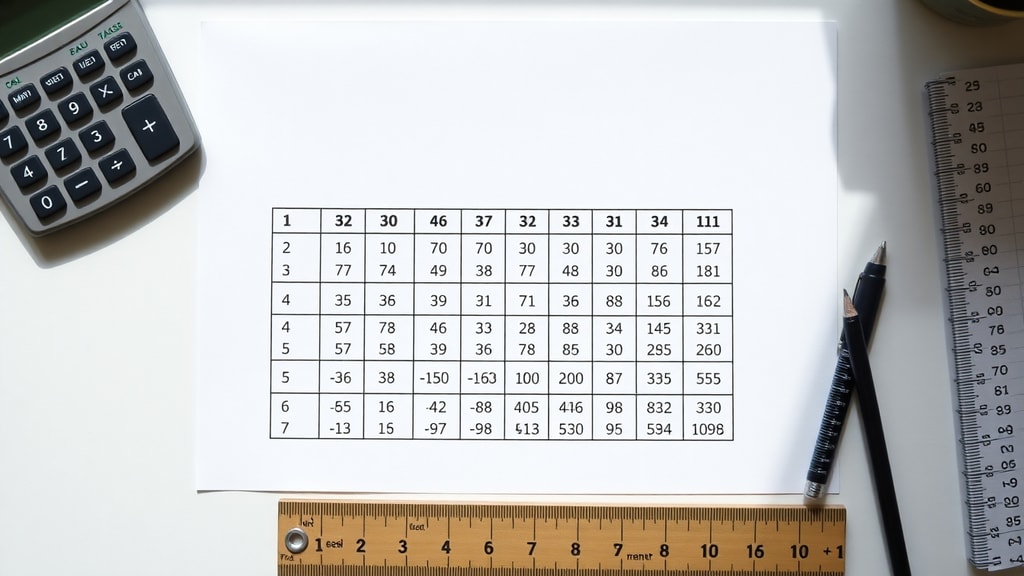
While frequency tables are simple to create, there are common mistakes that can lead to inaccurate analysis. One frequent error is using overlapping class intervals in a grouped frequency table. For instance, intervals like 10-20 and 20-30 are problematic because the value 20 falls into both categories. Instead, use intervals like 10-19 and 20-29 to ensure each data point belongs to only one group. Another mistake is forgetting to include all categories or values, which can skew the distribution. Always double-check that your list of categories is exhaustive. Additionally, mislabeling columns can cause confusion. Ensure that each column has a clear and descriptive header, such as Value, Frequency, or Relative Frequency. Finally, avoid using too many or too few class intervals. Too many intervals can make the table cluttered, while too few can hide important details. A good rule of thumb is to use between 5 and 20 intervals, depending on the size of your dataset.
Example of a Frequency Table
To illustrate how a frequency table looks in practice, consider a simple example. Suppose a teacher records the number of books read by 20 students in a month. The data is as follows: 2, 3, 1, 4, 2, 3, 2, 1, 5, 3, 2, 4, 3, 2, 1, 3, 4, 2, 3, 5. The frequency table for this data would look like this:

| Number of Books | Absolute Frequency | Relative Frequency | Cumulative Frequency |
|---|---|---|---|
| 1 | 3 | 0.15 (15%) | 3 |
| 2 | 7 | 0.35 (35%) | 10 |
| 3 | 6 | 0.30 (30%) | 16 |
| 4 | 3 | 0.15 (15%) | 19 |
| 5 | 1 | 0.05 (5%) | 20 |
This table clearly shows that most students read 2 or 3 books, while very few read 5 books. The cumulative frequency column indicates that 10 students read 2 or fewer books, and 16 students read 3 or fewer books. This simple example demonstrates how a frequency table provides immediate insights into the data.
Applications in Research and Business
Frequency tables are widely used in both academic research and business environments. In research, they are often the first step in data analysis, helping researchers understand the distribution of their variables before applying more complex statistical tests. For example, in a survey about consumer behavior, a frequency table can show how many respondents fall into different age groups or income brackets. This helps in segmenting the market. In business, frequency tables are used for quality control, inventory management, and customer feedback analysis. A company might use a frequency table to track the number of product defects per day or to analyze customer satisfaction ratings. By identifying the most common issues or preferences, businesses can make informed decisions to improve their products and services. The simplicity and effectiveness of frequency tables make them a staple in data-driven fields.

Software for Creating Frequency Tables
While frequency tables can be created manually, software tools make the process faster and more accurate. Spreadsheet programs like Microsoft Excel and Google Sheets have built-in functions to generate frequency tables. For example, the FREQUENCY function in Excel can automatically calculate frequencies for data ranges. Statistical software like SPSS, R, and Python libraries such as Pandas also offer robust features for creating frequency tables. These tools allow you to handle large datasets with ease and can generate both simple and complex tables, including those with relative and cumulative frequencies. For users of SPSS, IBM provides documentation on how to create frequency tables, which can be accessed through their official site. Using software not only saves time but also reduces the risk of manual errors, ensuring more reliable results.
Limitations of Frequency Tables
Despite their many advantages, frequency tables have some limitations. One major limitation is that they can lose detail when data is grouped into class intervals. For instance, if you group ages into intervals of 10 years, you lose the exact ages of individuals. This can be problematic if precise values are needed for analysis. Another limitation is that frequency tables can become cumbersome with very large datasets or many categories. A table with hundreds of rows may be difficult to read and interpret. Additionally, frequency tables do not provide information about the relationship between variables. They only show the distribution of a single variable at a time. For multivariate analysis, other tools like cross-tabulations or scatter plots are needed. Despite these limitations, frequency tables remain a valuable starting point for data exploration and summary.
Conclusion
In summary, a frequency table is a powerful and versatile tool for organizing and summarizing data. It simplifies complex datasets, reveals patterns, and serves as a foundation for further statistical analysis. By understanding its key components, such as absolute, relative, and cumulative frequencies, you can create tables that provide deep insights into your data. Whether you are a student, researcher, or business professional, mastering the frequency table is an essential skill. With practice, you can use this tool to make data-driven decisions and communicate your findings effectively. The examples and guidelines provided in this article should help you get started on creating and interpreting frequency tables with confidence.
References
For further reading and detailed explanations, the following sources were used in the creation of this article. Toda Matéria offers a clear explanation of absolute frequency and its applications. Statorials provides a step-by-step guide on how to create frequency tables. IBM's documentation covers frequency tables in SPSS for advanced users. WikiCiências presents a comprehensive overview of frequency tables in a scientific context. QuestionPro Blog offers a practical guide on what frequency tables are and how to create them. These resources are reliable and provide additional depth for anyone looking to expand their knowledge.