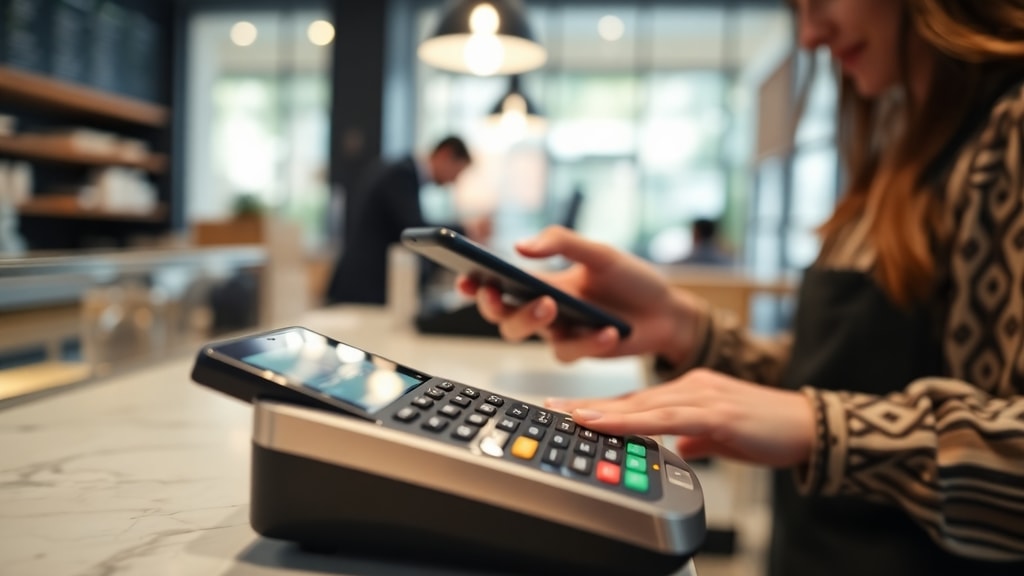
What Is an Access Code and Why Does It Matter
An access code is a unique combination of letters, numbers, or symbols used for authentication to grant entry to a specific system, restricted area, or protected resource. It functions as a digital key or gatekeeper. According to the InfoType Ontology of Personal Information, an access code is defined as a credential that is distinct from a password in how it is generated and distributed. Unlike a password, which you typically create yourself, an access code is often assigned by the entity providing the service, such as a government agency, educational institution, or software vendor. This distinction is critical because it changes how you manage, store, and protect the code. Access codes appear in many everyday situations, from logging into a university portal to verifying your identity for a government survey. Understanding what an access code is and how it differs from other forms of authentication helps you avoid confusion and ensures you can use these codes effectively.
The importance of access codes has grown with the rise of digital services. They are used to protect sensitive information, control access to physical spaces, and streamline processes like online registration. For example, a short three-to-four-digit code might give you access to telephony services like operator assistance or caller ID lookup, while a longer alphanumeric string could be required to access your tax documents online. The key takeaway is that an access code is not something you choose; it is something you are given. This means you need to know where to find it, how to enter it correctly, and what to do if it is lost or expires. This guide will walk you through the most common scenarios for finding and using access codes, with practical advice for staying secure.
Common Types of Access Codes You Will Encounter
Access codes come in many forms depending on the context. Knowing the type of code you are dealing with helps you locate it and use it properly. Below is a list of the most common categories you are likely to encounter in daily life.

- Telephony access codes: These are short, memorable numbers, usually three to four digits, such as 100 for operator assistance or 1471 for caller ID lookup. They are provided by telephone service providers and are often printed on bills or welcome packets.
- Educational access codes: These are purchased or assigned by schools, universities, or online learning platforms. They grant entry to digital course materials, homework platforms, class assignments, and exam portals. Typically they are distributed via email or included in the purchase of a textbook.
- Government and survey access codes: These are unique alphanumeric strings, often around 12 characters long, used to verify identity for address-based online surveys, such as those from the U.S. Census Bureau. They are mailed to your physical address or sent via a secure online portal.
- One-time security codes: These are randomly generated codes sent via SMS, email, or an authenticator app. They are used for two-factor authentication and usually expire within a few minutes, often up to 20 minutes, to add an extra layer of security when accessing sensitive documents or accounts.
- Product or software access codes: These are alphanumeric strings printed on product packaging or emailed after purchase. They unlock software licenses, premium features, or registration for a service.
Each type has its own retrieval method and lifespan. Telephony and educational codes are often static and do not expire quickly, while one-time security codes are extremely time-sensitive. Government survey codes may be usable only once or within a specific window. Always check the instructions provided with your code to understand its validity period.
How to Find Your Access Code
Finding your access code depends entirely on the context in which it was issued. For telephony codes, check your service provider's welcome letter, your monthly bill, or the official documentation sent when you activated the line. Many providers also list these codes on their website under support or settings. For educational access codes, they are most commonly included in the purchase of a digital or physical textbook. If you bought a used textbook, you may need to purchase the code separately from the publisher. Some schools provide codes directly through their online student portal or via email from the registrar's office. If you cannot find it, contact the bookstore or the instructor.
Government and survey access codes are typically mailed to your primary address. For example, the U.S. Census Bureau sends a unique code with your survey invitation letter. If you lost that letter, you might be able to request a replacement by logging into the survey website using your name and address. One-time security codes are sent to your registered phone number or email address at the moment of login. If you do not receive the code, check your spam folder or wait a few minutes before requesting a new one. For product access codes, look at the inside of the packaging, the CD sleeve, or the confirmation email from the retailer. Some digital products display the code directly on the screen after purchase. Always save these codes in a secure location, such as a password manager, for future reference.
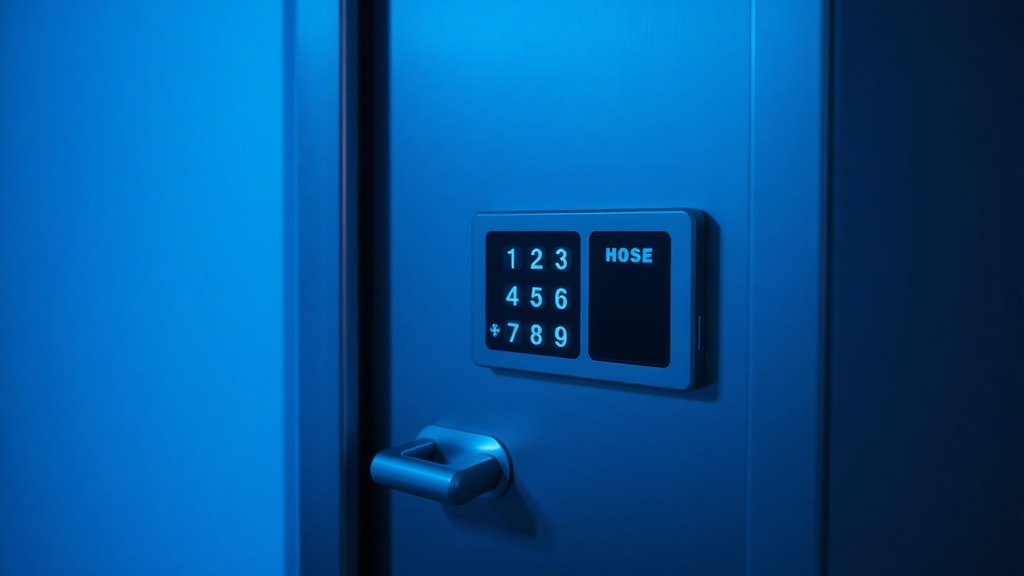
Step-by-Step Guide to Using an Access Code
Using an access code is usually straightforward, but it helps to follow a clear process to avoid errors. Start by locating the exact entry field on the website or application. This field is often labeled as access code, activation key, or registration code. Type the code exactly as it appears, paying attention to uppercase and lowercase letters, as many access codes are case-sensitive. Do not add spaces unless the code includes them. If the code includes hyphens or dashes, enter those as well.
If you are using a one-time security code, you typically need to enter it within a few minutes of receiving it. After entering the code, click submit or verify. If you receive an error, double-check for typos. Some platforms allow you to copy and paste the code, which reduces the risk of mistakes. If the code is still rejected, check the expiration date or contact the issuer. For physical products, you may need to register the code on the manufacturer's website before it works. Always complete any additional steps, such as creating an account or agreeing to terms, before you close the window.
Below is a table summarizing the key attributes of different access code types to help you understand their usage and security level.
| Access Code Type | Typical Length | Common Use | Security Level | Expiration |
|---|---|---|---|---|
| Telephony | 3-4 digits | Operator assistance, caller ID | Low | Usually static |
| Educational | 8-16 characters | Course materials, homework platforms | Moderate | Often one semester |
| Government survey | 10-12 characters | Verify identity for online census | High | Single use or survey period |
| One-time security | 6-8 digits | Two-factor authentication | Very high | Minutes |
| Product registration | 15-25 characters | Software activation, premium features | Moderate | Usually indefinite |
This table gives you a quick reference for what to expect. For example, if you enter a government survey code and it fails, you may need to request a new one because it is typically single-use. If your educational code is rejected, verify that it has not expired for the current term.
Security Best Practices for Access Codes
Access codes can be a weak point in your security if not handled correctly. Because they are often assigned by an external entity, you might not think to protect them as carefully as a password. However, many access codes, especially those used for government services or sensitive documents, require strong security. To be considered moderately strong or strong, an access code should be at least eight characters long and include uppercase and lowercase letters, numbers, and symbols. If your access code is shorter or simpler, treat it as a temporary credential and change it to a password when possible.
Never share an access code with someone you do not trust. If you receive an unexpected request for your access code via email, phone, or text, it could be a phishing attempt. Legitimate organizations will rarely ask you to provide your full access code outside of their secure website. For one-time codes, be especially cautious: the code is valid only for a short window, so if someone asks for it, they likely intend to use it immediately to break into your account. Store any long-term access codes in a password manager rather than in a plain text file or sticky note. If you lose a code, contact the issuer as soon as possible to have it invalidated and a new one issued.

Another important practice is to keep track of any expiration dates. Many access codes have a limited lifespan, and using an expired code can lock you out of a service until you request a new one. For example, one-time security codes are typically valid for only 20 minutes, as noted in the SafeSend Returns documentation. Government survey codes may be valid for the duration of the survey period, which could be several weeks or months. Mark the expiration date on your calendar or set a reminder if the code is critical. Finally, if you notice any suspicious activity on an account that uses an access code, revoke the code immediately and change any associated passwords.
References
InfoType Ontology of Personal Information. Access code definition. Retrieved from https://opi.cs.cmu.edu/show/access_code
UXPA Journal. Usability of Access Codes. Retrieved from https://uxpajournal.org/usability-access-codes/
Office of Telecommunications (Oftel). Telephony access codes documentation. Retrieved from https://web.archive.org/web/20120713201051/http:/www.ofcom.org.uk/static/archive/oftel/publications/numbering/acc0500.htm
SafeSend Returns. Access Codes Explained. Retrieved from https://safesendreturns.zendesk.com/hc/en-us/articles/360035563554-Access-Codes-Explained
Digital Gadget Wave. Demystifying Access Codes Everything You Need to Know. Retrieved from https://digitalgadgetwave.com/demystifying-access-codes-everything