Understanding the Core Difference Between 32-Bit and 64-Bit PCs
The fundamental distinction between a 32-bit and a 64-bit PC lies in the way the central processing unit (CPU) handles information. The term "bit" refers to the width of the processor's registers, which are small, high-speed storage locations inside the CPU. A 32-bit processor has registers that are 32 bits wide, meaning it can process 4 bytes of data per clock cycle. In contrast, a 64-bit processor has registers that are 64 bits wide, allowing it to handle 8 bytes of data per clock cycle. This seemingly small difference has massive implications for performance, memory capacity, and software compatibility. Modern computing has largely moved on from 32-bit architectures, but understanding why helps clarify the capabilities and limitations of current systems.
RAM Limits: The Defining Constraint of 32-Bit Systems
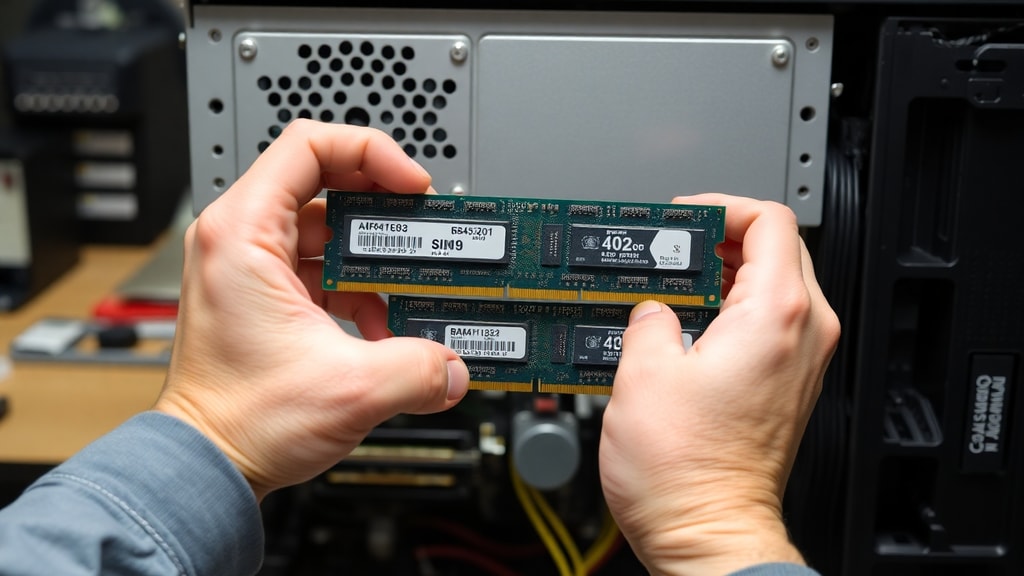
One of the most critical differences between 32-bit and 64-bit PCs is the amount of random access memory (RAM) they can support. A 32-bit processor can theoretically address up to 4 GB of RAM. This limit is a direct result of the 32-bit memory address space, which can represent 232 unique memory addresses. However, in practice, the usable memory on a 32-bit system is even lower. Due to address space reserved for system hardware, such as the graphics card and input/output devices, a 32-bit operating system often reports only about 3.25 GB of usable RAM. This means that even if you install 4 GB of memory, a significant portion is inaccessible to applications.
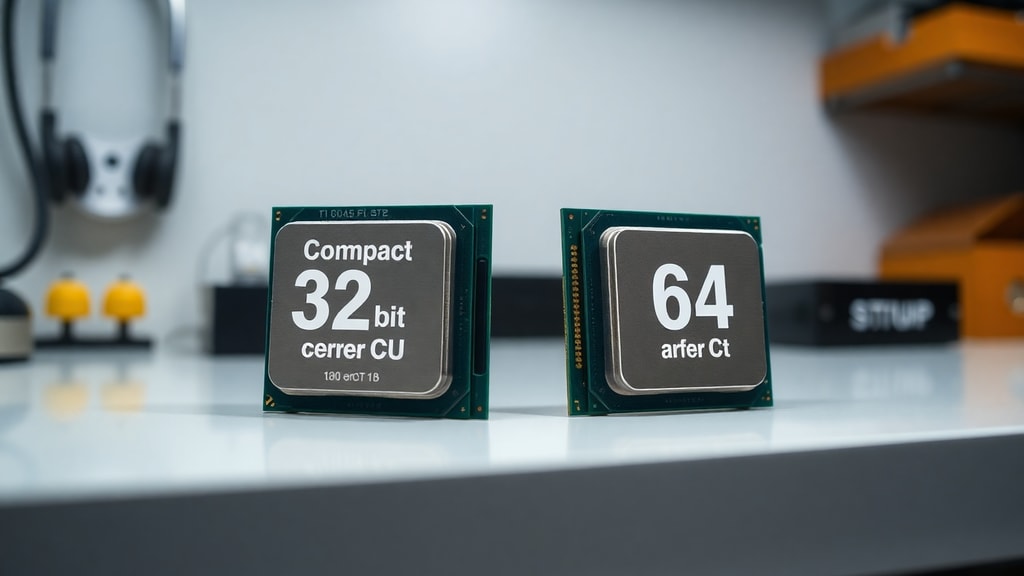
For a 64-bit PC, the theoretical memory limit is astronomically higher. A 64-bit address space can handle 264 unique addresses, which equates to roughly 16 exabytes, or 16 billion gigabytes, of RAM. While no consumer motherboard supports that amount today, modern 64-bit operating systems and hardware can easily handle 128 GB or more of RAM. This vast capacity is essential for memory-intensive tasks such as video editing, large-scale data analysis, and running multiple virtual machines. The difference between a 3.25 GB ceiling and the effectively limitless capacity of a 64-bit system is the single most compelling reason to choose 64-bit computing for any serious workload.
Data Processing Performance and Speed
Beyond memory, the width of the processor directly impacts computational speed. A 64-bit processor can process larger chunks of data in a single operation compared to a 32-bit processor. In scenarios involving complex mathematical calculations, cryptography, or large integer arithmetic, a 64-bit CPU can complete tasks in fewer cycles. This efficiency translates into roughly double the single-threaded performance in certain workloads and up to four times the multi-threaded performance when the software is optimized for the wider architecture. It is important to note that raw clock speed is not the only factor; the ability to move more data per clock cycle gives 64-bit systems a fundamental advantage in throughput. Modern applications, from web browsers to operating systems, are compiled specifically for 64-bit processors, ensuring that they take full advantage of this increased data handling capability.

Software Compatibility and the Modern Standard
By 2025, 64-bit computing has become the undisputed industry standard for all consumer platforms. Major operating systems like Windows, macOS, and Linux have either dropped 32-bit support entirely or relegated it to legacy modes. Software developers now build nearly all new applications exclusively for 64-bit architectures. This shift means that choosing a 32-bit PC today severely limits your software options. Many modern games, productivity suites, and security tools will not install or run on a 32-bit system. Additionally, 64-bit operating systems include enhanced security features, such as hardware-enforced data execution prevention (DEP) and kernel patch protection, which are not available on 32-bit versions. These features help prevent malware from exploiting memory vulnerabilities, making 64-bit systems inherently more secure for everyday use.
Key Considerations When Choosing Your System
When deciding between a 32-bit or 64-bit PC, you must evaluate your hardware and your needs. Below is a list of critical factors that will influence your decision:
- Memory requirement: If you need more than 3 GB of RAM, a 64-bit system is mandatory. Most modern applications, including web browsers with multiple tabs, easily exceed 4 GB of total system usage.
- Software demands: Check whether your essential applications have 64-bit versions. Almost all professional software for video editing, 3D modeling, and engineering requires a 64-bit OS.
- Processor architecture: Virtually all CPUs manufactured after 2010 are 64-bit capable. If you have an older system, verify that the processor supports x64 instruction sets before installing a 64-bit OS.
- Driver availability: For very old peripherals, such as printers or scanners, 64-bit drivers may not exist. In such niche cases, a 32-bit system might be the only choice, though this is increasingly rare.
- Security posture: For any system connected to the internet, a 64-bit OS offers superior protection against memory-based attacks and exploits.
Comparative Table: 32-Bit vs 64-Bit at a Glance
The following table summarizes the core differences between the two architectures, highlighting the practical implications for users:
| Feature | 32-Bit System | 64-Bit System |
|---|---|---|
| Maximum RAM support (theoretical) | 4 GB (232 bytes) | 16 exabytes (264 bytes) |
| Usable RAM in practice | Approximately 3.25 GB | Varies by OS and motherboard, often 128 GB+ |
| Data processed per clock cycle | 4 bytes (32 bits) | 8 bytes (64 bits) |
| Performance for large calculations | Limited, often slower | Significantly faster with optimized software |
| Software compatibility (2025) | Legacy support only, most new apps do not run | Industry standard, all new applications support it |
| Security features | Basic, less protection | Hardware-enforced DEP, kernel protections |
| Typical use cases | Very old hardware, embedded systems | All modern desktops, laptops, servers, and gaming |
Which One Should You Actually Choose?
For nearly every user today, the answer is straightforward: choose a 64-bit PC. If you are building a new computer or purchasing a pre-built system, there is no reason to consider a 32-bit processor. The performance benefits, memory capacity, software compatibility, and security advantages make 64-bit the only viable option for modern computing. Even for basic tasks like web browsing and word processing, a 64-bit system provides a smoother experience because the operating system itself can manage memory more efficiently. The only exception is if you are dealing with extremely old hardware that does not support 64-bit instructions, or if you are working with legacy industrial equipment that requires specific 32-bit drivers. In those rare cases, a 32-bit system might be necessary, but you must accept the severe limitations in performance and security.
Practical Steps to Determine Your Current System
If you are unsure whether your current PC is 32-bit or 64-bit, you can easily check. On Windows, open the System Information app from the Start menu. Under System Summary, look for System Type. It will read either x64-based PC (64-bit) or x86-based PC (32-bit). On macOS, click the Apple menu, select About This Mac, and then System Report. Under Software, look for 64-bit Intel Processor. Most Intel-based Macs from 2007 onward are 64-bit. On Linux, open a terminal and type the command lscpu | grep Architecture. The output will show x86_64 for 64-bit or i686 for 32-bit. Knowing your current system type is important before upgrading software or installing more memory.
The Future of 32-Bit Computing
The industry is moving decisively away from 32-bit architecture. Major operating system vendors have ended support for 32-bit versions. Windows 10 was the last version of Windows to have a 32-bit option, and Windows 11 dropped it entirely. Apple ceased support for 32-bit applications with macOS Catalina in 2019. Linux distributions are also phasing out 32-bit kernel builds, with only a few specialized distros maintaining compatibility for very old hardware. This trend means that choosing a 32-bit PC in 2025 locks you into a shrinking ecosystem with no access to new software, security updates, or hardware support. For anyone planning to use a computer for more than a few years, 64-bit is the only forward-looking choice.
References
Microsoft Learn. (2022). What is the difference between 32-bit and 64-bit? Retrieved from https://learn.microsoft.com/en-us/answers/questions/1610861/whats-the-difference-between-32-bit-and-64-bit
Lenovo US. (2023). 32-bit vs 64-bit: What is the difference? Retrieved from https://www.lenovo.com/us/en/glossary/32-bit/
Stack Overflow. (2011). What is the difference between a 32-bit and 64-bit processor? Retrieved from https://stackoverflow.com/questions/4552905/what-is-the-difference-between-a-32-bit-and-64-bit-processor
Corsair. (2024). 64-bit vs 32-bit: What is the difference? Retrieved from https://www.corsair.com/us/en/explorer/gamer/gaming-pcs/64bit-vs-32bit-whats-the-difference/
Scaler Topics. (2023). 32-bit vs 64-bit. Retrieved from https://www.scaler.com/topics/32-bit-vs-64-bit/
Super User. (2010). 32-bit vs 64-bit systems. Retrieved from https://superuser.com/questions/56540/32-bit-vs-64-bit-systems
TeamViewer. (2022). What is the difference between 32-bit and 64-bit? Retrieved from https://www.teamviewer.com/en-us/insights/what-is-the-difference-between-32-bit-and-64-bit/