Understanding What Happens When You Mark a Phone as Lost
Losing a smartphone is a stressful experience that can compromise personal data, financial accounts, and access to essential services. Modern mobile operating systems include built-in tools that allow you to mark your device as lost remotely. This action triggers a series of security measures designed to protect your information and help you recover the phone. Whether you use an iPhone or an Android device, the core objectives are similar: lock the device, prevent unauthorized access, track its location, and limit further misuse. This article explains exactly what happens when you mark a phone as lost, step by step, and what you should do immediately afterward.
Immediate Security Actions Upon Marking as Lost
As soon as you activate the lost mode from your Apple ID or Google account, the device receives a remote command. The first and most critical action is a forced lock. The phone is immediately locked with your existing passcode, PIN, pattern, or password. Even if someone has physical possession of the phone, they cannot unlock it or access any personal data, apps, or settings without the correct credentials. Touch ID and Face ID are disabled as a safety measure, so only the passcode works.

At the same time, all notifications, alerts, and sounds are silenced. This means that incoming messages, calendar reminders, alarm clocks, and app notifications will not produce any audible or visual alert on the lost phone. However, the device can still receive phone calls and FaceTime calls, allowing someone who finds the phone to answer and speak with you. This feature is specifically designed so that a Good Samaritan can contact you directly without needing to unlock the device.
Another immediate consequence is the automatic suspension of payment services linked to the device. On iPhones, Apple Pay is disabled, and any credit or debit cards stored in the Wallet app are suspended. Similarly, on Android devices, Google Pay and other stored payment methods become temporarily unavailable. This prevents anyone from using the phone to make purchases or transactions even if they manage to bypass the lock screen. A confirmation email is also sent to your primary email address (the one associated with your Apple ID or Google account) to notify you that lost mode has been activated on your device.
Tracking and Location Features
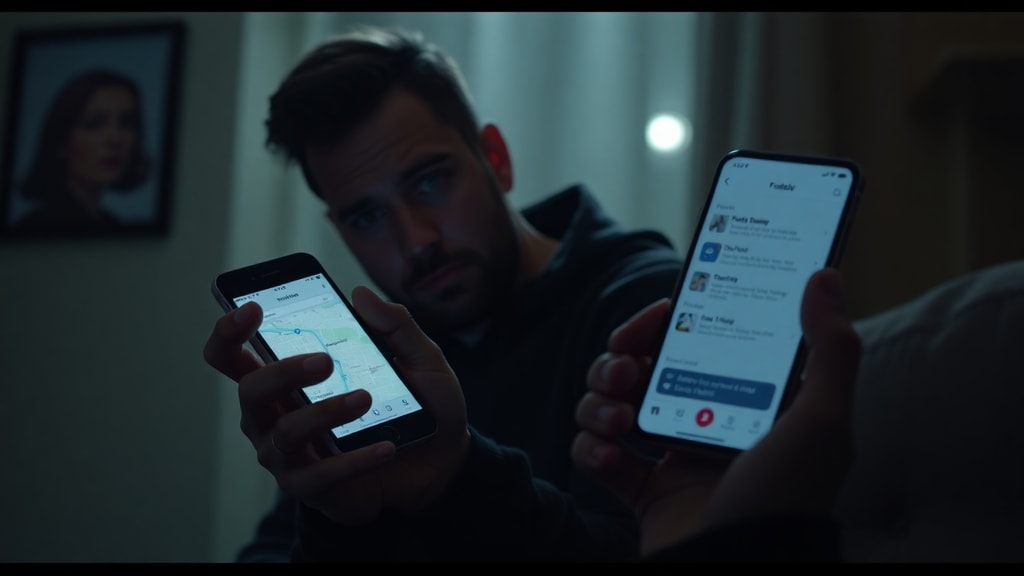
Once your phone is marked as lost, location tracking becomes active and continuous. Provided the device is powered on and connected to the internet via Wi-Fi or cellular data, its real-time location is sent to your account. You can view the current position on a map from any other device or computer logged into your account. Additionally, the system stores a location history of up to 24 hours, showing where the phone has traveled. This is especially useful if you suspect theft or if the phone was left in a moving vehicle.
The tracking feature works even if the device’s screen is locked. On iPhones, the Find My network uses Bluetooth signals from nearby Apple devices to approximate the location, even when the phone is offline. Android devices use a similar approach with the Find My Device network. It is important to note that if the phone is turned off or the SIM card is removed, tracking stops. However, once it reconnects to any network, the location is updated. For detailed official guidance on using these tracking tools, refer to Apple Support’s lost mode instructions and Google Support’s Find My Device help page.

Data Protection and Payment Suspension
Beyond locking the screen and disabling notifications, marking a phone as lost also protects the underlying data. In lost mode, all personal information such as photos, messages, emails, contacts, and app data remain encrypted and inaccessible. The device’s operating system enforces a strict state that prevents anyone from bypassing the lock screen using tricks like emergency calls or accessibility features. On iPhones, the only way to exit lost mode is by entering the correct Apple ID password and the device passcode. Android devices require Google account credentials and the screen lock method.
Payment suspension is another major safeguard. As mentioned earlier, services like Apple Pay and Google Pay are automatically disabled. This means that even if a thief manages to reset the device or insert a new SIM card, they cannot use the stored payment credentials. The suspension is temporary and reversible once you recover the phone and disable lost mode. Additionally, if you have cards saved in apps or websites, those digital wallets are also blocked. This prevents fraudulent purchases and protects your financial accounts. It is advisable to contact your bank or card issuer separately to report the loss and request additional monitoring.

Communication and Recovery Options
When you mark a phone as lost, you have the ability to display a custom message on the lock screen. This message can include an alternative phone number or an email address where you can be reached. The message is shown even when the phone is locked, so anyone who finds the device can read it without unlocking the phone. This is a simple but effective tool for honest finders to return the device to you. You can also choose to include a message that the device is lost and that a reward is offered, though such incentives are optional.
In addition to the lock screen message, the system sends a confirmation email to your registered email address. This email contains details about when lost mode was activated, the device model, and the last known location. It serves as a receipt and a reminder to take further steps. Some platforms also allow you to remotely play a sound on the phone to help you locate it if it is nearby. This sound plays even if the device is in silent mode, which can be helpful in situations where you misplace the phone at home or in an office.

What Happens to Notifications and Alarms?
Many users worry that marking a phone as lost will suddenly stop alarms or prevent important notifications from being seen. As explained earlier, audible and visual alerts are indeed disabled. However, it is important to understand that the device still receives all incoming data. Messages and calls are logged, and notifications are stored internally. When you recover the phone and unlock it, all missed notifications will appear. The only exception is that alarms will not trigger while the device is in lost mode, so you should not rely on your lost phone to wake you up. This silencing is intentional for security: it prevents the phone from making sounds that could reveal its location to the thief, but it also avoids drawing attention if the phone is in a public place.
The following table summarizes the key differences between what happens on an iPhone and an Android device when marked as lost.
| Feature | iPhone (iOS) | Android |
|---|---|---|
| Remote Lock | Locks with passcode; Touch/Face ID disabled | Locks with PIN, pattern, or password |
| Alerts Disabled | Silent except for phone/FaceTime calls | Silent except for phone calls |
| Payment Suspension | Apple Pay suspended | Google Pay suspended |
| Location Tracking | Real-time via Find My; offline tracking via Bluetooth | Real-time via Find My Device; requires internet |
| Lock Screen Message | Custom message with contact info | Custom message with contact info |
| Confirmation Email | Sent to Apple ID email | Sent to Google account email |
Steps to Take After Marking Your Phone as Lost
Once you have activated lost mode, there are additional actions you should take to maximize security and improve recovery chances. Below is a list of recommended steps:
- Contact your mobile carrier immediately to suspend service on the lost device. This prevents unauthorized calls, texts, and data usage that could run up charges.
- Change passwords for important accounts, especially email, banking, social media, and any app that stores sensitive information. Use a different device to do this.
- Enable two-factor authentication on all accounts that support it, so even if someone obtains your passwords, they cannot log in without a second verification code.
- File a police report if you suspect theft. Provide them with the device’s IMEI number, which can help track the phone if it is resold.
- Keep an eye on the location updates. If you see the phone moving to an unexpected area, do not attempt to retrieve it alone; share the information with authorities.
- Inform your bank and credit card companies about the loss so they can watch for fraudulent activity.
- Consider remotely erasing the device as a last resort if you believe recovery is impossible. Erase mode removes all data, but after erasing, you will no longer be able to track the phone.
Conclusion
Marking a phone as lost is a powerful security feature that can protect your privacy and increase the chances of recovering your device. The device is locked remotely, notifications are silenced, payment services are suspended, and location tracking begins. You can also display a message on the lock screen and receive a confirmation email. Understanding these mechanisms helps you respond quickly and effectively when your phone goes missing. While no system is foolproof, taking immediate action by using lost mode and following the additional steps listed above significantly reduces the risk of data theft and financial loss. Always keep your accounts secured with strong passwords and keep your recovery contact information up to date.
References
Apple Support. (n.d.). Use Lost Mode on your iPhone, iPad, or iPod touch. Retrieved from https://support.apple.com/pt-br/guide/iphone/iph7cc193cfc/ios
Google Support. (n.d.). Find, lock, or erase a lost Android device. Retrieved from https://support.google.com/android/answer/6160491